The current pre-release of the client ("pioneer" in the version) is only compatible to itself. So you can only play with other testers. Please be aware!

Subcategories

  • 29 Topics
    260 Posts
    maudlin27M
    FAF's rules are set out on the main FAForever website - by accessing FAF services, you agree to the rules outlined there, which are supplemental to the FAF Terms of Service. For details of how to report rule breaches and/or how the rules are enforced, please refer to the separate page on moderation Separate contribution guidelines exist for those considering contributing to FAF, while there are also official tournament rules that apply to official FAF tournaments.
  • 940 Topics
    5k Posts
    SaverS
    Hi, The issue is known, and a fix is currently being worked on. https://github.com/FAForever/fa/pull/7119
  • Please provide detailled logs and/or error messages!

    991 Topics
    4k Posts
    C
    Hi! Since July 16 I can't join or host any game — FA launches, reaches the lobby, then hangs on "Connecting..." forever. The ICE debug window and telemetry stay completely empty: no peers, no gathering, nothing. From my logs the game processes CreateLobby fine and the client receives GameState Idle → Lobby, but after that no JoinGame / HostGame / ConnectToPeer ever arrives, so the ICE adapter is never asked to connect to anyone. My lobby connection itself looks healthy the whole time (join requests get responses, I even got a game_not_ready error back once, and the game list keeps updating live). Last working game: July 15. Same silent behavior on client 2026.1.0 and after updating to 2026.4.1 — ~12 attempts across 6+ different games.
  • 39 Topics
    155 Posts
    wilson_W
    Dear Commander, are you willing to learn and improve your game play? If your answer is yes, the FAF Dojo is the place to be. What You Can Expect From The FAF Dojo A (mostly) voice-based community of 500+ players from all over the world Like-minded people willing to improve A wide range of skill levels (0-2000+) An experienced trainer team (incl. several top 50 players) Replay reviews Training sessions (as a group) Training sessions (1on1) In-house tier lists resembling the ranks of a Judo school 1v1 Team games (”global”) A wide variety of options to practice Sparring (trainees only - unrated) Sparring (trainees and trainers - unrated) 1v1 challenges TMM queue Events Tournaments Community nights (e.g. a dedicated 1v1 Night) What The FAF Dojo Expects From You Participating requires a functioning set of headphones and microphone, or a headset Keeping a positive and supportive atmosphere Once you reach a certain level, you might want to consider giving back by becoming a trainer yourself How do I join the FAF Dojo? Check out our Notion page to find out more about our trainers (incl. several official trainers from the FAF Discord), tournaments (1v1, 2v2, 3v3), and more. If our system appeals to you, we would gladly welcome you on our Discord server. Cheers.
  • Crashing after 15-20 mins

    3
    0 Votes
    3 Posts
    190 Views
    R
    for anyone with similar issues, give this a try. it seems to have fixed it for me https://steamcommunity.com/app/9420/discussions/0/1739968490550491239/
  • I can't decompress replay files with zstd compression

    4
    0 Votes
    4 Posts
    380 Views
    H
    @askaholic Very nice! I'll try it tomorrow, thanks.
  • weird sound troubles in FAF only

    2
    0 Votes
    2 Posts
    97 Views
    No one has replied
  • UI-Mod selection on game creation

    6
    1
    0 Votes
    6 Posts
    336 Views
    L
    To copy stuff over from my old PC was the way I broke it here. I now deinstalled downlords client and tried to clean all remainders of it. With a clean install and all mods installed again from the vault it now really works like a charm. Thx
  • This topic is deleted!

    1
    0 Votes
    1 Posts
    8 Views
    No one has replied
  • FA launches then immediately crashes with the following error:

    5
    0 Votes
    5 Posts
    244 Views
    A
    Absolutely none; the game is bone-stock. However, the replay I'm attempting to load is from an ancient version; over 7 years old. (I'm not sure if we had mods enabled then, though...)
  • 0 Votes
    3 Posts
    2k Views
    M
    Awesome! Thanks so much!
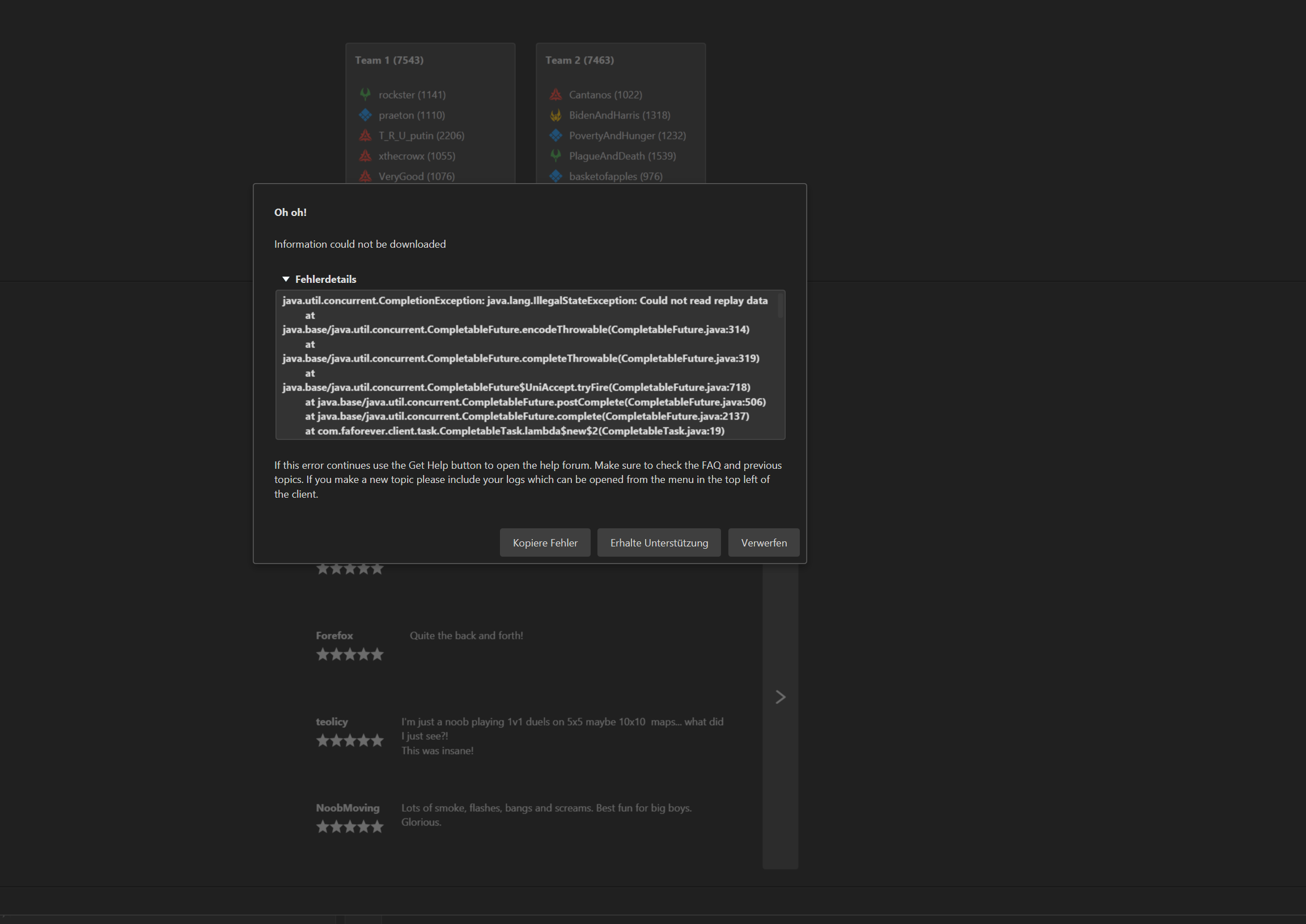
  • Can't download replay info from vault

    2
    0 Votes
    2 Posts
    259 Views
    S
    The parser for the replays was not updated to accept the new compresed replay format so the download info button is currently broken
  • game crashed mid game

    10
    0 Votes
    10 Posts
    478 Views
    K
    I'm running NVDIA 466.11 . release day 4/14/2021
  • Sound issue

    3
    0 Votes
    3 Posts
    251 Views
    R
    Could be the infamous sound bug. Try disabling and reenabling audio in bios settings or reinstall drivers: https://forums.faforever.com/viewtopic.php?f=3&t=13623
  • Plz help! Game crashed

    3
    0 Votes
    3 Posts
    374 Views
    I
    Thanks! Yes, it really helped by deleting all files.
  • Can't open the Launcher at all

    4
    0 Votes
    4 Posts
    238 Views
    L
    Restart PC then Uninstall(like executing the uninstaller not just install the new, also make sure the folder of the program is gone after that, tick the checkbox to install all) and install whatever version you like.
  • Game Desyncs when playing with Friends + mods

    6
    0 Votes
    6 Posts
    305 Views
    UvesoU
    Please post a full Game.log next time, so we don't need to guess so much.
  • Error message when starting up the client.

    4
    0 Votes
    4 Posts
    246 Views
    F
    @Amygdala All resolved. As per our conversation Amygdala, it wasn't the Steam linking it was the FAF Client not pointing to the correct location on my PC.
  • UI Party Mod Clipping Off Screen

    4
    0 Votes
    4 Posts
    408 Views
    K
    I am having the same issue for UI Party and not able to solve: is there any way to reduce the window to apply changes i make? I play on Laptop.
  • Personal mod creating desyncs in multiplayer

    12
    0 Votes
    12 Posts
    930 Views
    UvesoU
    @NuclearAfikomen: Thanks for reporting this back! There are no stupid questions, only stupid answers!
  • wrong linked account

    3
    0 Votes
    3 Posts
    218 Views
    DeribusD
    Handled in chat
  • 0 Votes
    5 Posts
    416 Views
    UvesoU
    @warstar441 , Thanks for reporting this back !
  • Game is crashing with this error:

    5
    0 Votes
    5 Posts
    533 Views
    T
    Might be a permissions thing. By moving it, it would get new NTFS permissions, inherited from the parent folder.
  • AnnounceDeath AIx: Uveso Overwhelm crash

    3
    0 Votes
    3 Posts
    138 Views
    UvesoU
    Hello BilgeRatPDX , The crash EXCEPTION_ACCESS_VIOLATION (0xc0000005) at address 0x0067aa5f is known since 5 Jan 2015: from 2015 https://github.com/FAForever/fa/issues/318 from 2020 https://github.com/FAForever/fa/issues/3235 My AI does not exist in 2015, so this error is surly not from my AI. Maybe you are using Full share option ? In case you use full share, read here: https://forum.faforever.com/topic/1310/humans-vs-sorian-uveso-aix-game-crashes-on-ai-acu-kill-since-faf-client-1-4-2 (game patch for this issue is included to my AI version 92 for testing; it will be patched to the game after testing) And please, could you always post your full game log, that would be nice!