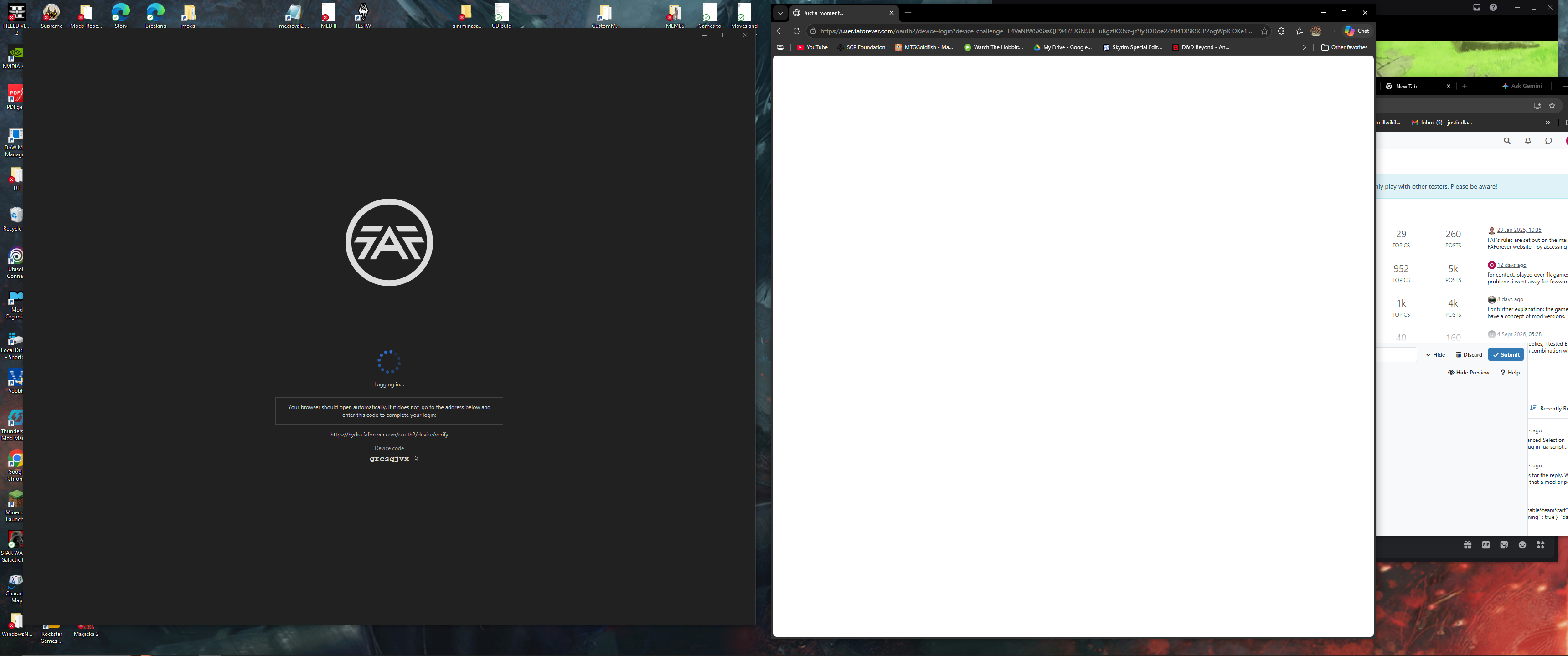
The current pre-release of the client ("pioneer" in the version) is only compatible to itself. So you can only play with other testers. Please be aware!

Subcategories

  • 29 Topics
    260 Posts
    maudlin27M
    FAF's rules are set out on the main FAForever website - by accessing FAF services, you agree to the rules outlined there, which are supplemental to the FAF Terms of Service. For details of how to report rule breaches and/or how the rules are enforced, please refer to the separate page on moderation Separate contribution guidelines exist for those considering contributing to FAF, while there are also official tournament rules that apply to official FAF tournaments.
  • 949 Topics
    5k Posts
    S
    @ZLO ничего из перечисленного нет, есть ещë версии? Как я могу через логи посмотреть?
  • Please provide detailled logs and/or error messages!

    1k Topics
    4k Posts
    NuggetsN
    You should post this where the rust client is being developed, in the rust discord. (idk if sera wants the link publicly shared so please ask him @seraphim-noob )
  • 40 Topics
    160 Posts
    D
    Thanks for your replies, I tested Eternal Strategic Icons, in combination with Penguin's Icon Mod and ACU Highlight (those three mods seem to be compatible), and it looks a lot nicer with the size increase of 150%
  • Missiles shooting off into Space!

    1
    0 Votes
    1 Posts
    17 Views
    No one has replied
  • impossible to join and creat a game

    4
    0 Votes
    4 Posts
    27 Views
    V
    thank you very much for your return guys. It was my antivirus which decided to block the forged alliance.exe
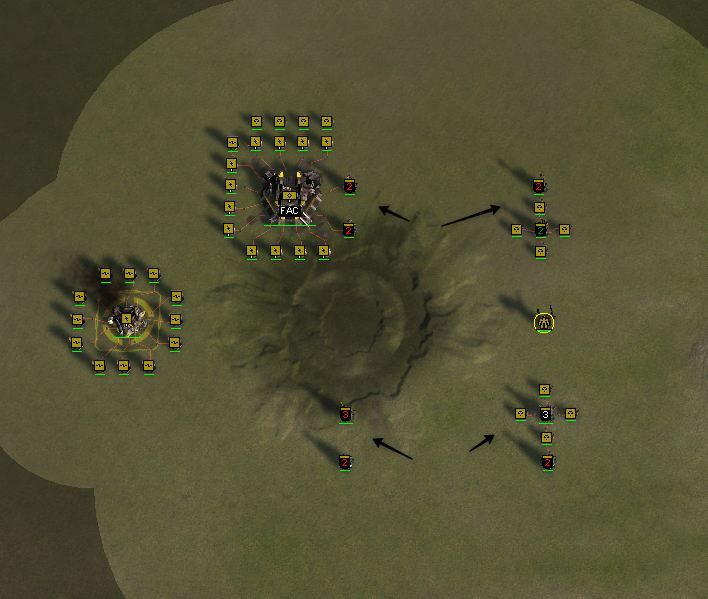
  • How can i do icons for mass extractors with numbers?

    4
    1
    0 Votes
    4 Posts
    67 Views
    wilson_W
    message me on discord (_wlsn) and i'll send you one that works.
  • Nomads Gamemode = No Formations

    3
    0 Votes
    3 Posts
    37 Views
    V
    @speed2 Oh thank you for this information. Glad to know it will be addressed!
  • Supreme Commander gets stuck on "Connecting..."

    3
    0 Votes
    3 Posts
    25 Views
    M
    logs.zip
  • Error when trying to create or join any games

    2
    0 Votes
    2 Posts
    50 Views
    maggeM
    Have you noticed this part of the error: An Application Control policy has blocked this file Have you checked which software/Smart App Control/policy is causing the block?
  • 0 Votes
    2 Posts
    52 Views
    S
    2026.7.1 is not a test version of the client and no changes to connection logic were made compared to 2026.7.0. 2026.7.1 should be able to play with anyone. Most likely it was just antivirus or some other network issue.
  • bullying !

    Locked
    4
    1 Votes
    4 Posts
    117 Views
    maggeM
    @lukakg It is a shame that you were treated like that. You have already reported it, further escalation is not necessary at this point. I have removed the image in question from the first post, which contained profanity via DMs between the users in question. Such public shaming is not a path we take. Everyone can make poor decision and regret it on the next days. Rough waters can happen sometimes, but there are always lifeguards around. That being said: Welcome to FAF! With OP's request addressed, I am going to close this thread for now.
  • registration problems

    3
    0 Votes
    3 Posts
    64 Views
    Brutus5000B
    The reset password via steam flow works without you knowing your email
  • No connecting

    1
    0 Votes
    1 Posts
    60 Views
    No one has replied
  • ACU Highlight MOD Modification

    2
    0 Votes
    2 Posts
    55 Views
    NuggetsN
    If you want to upload your modification of an existing mod, you need the authors permission. Not sure what you mean regarding "patch". The authors mod will not be overwritten by changes someone else does. If you cannot reach an author (which wont be the case here, he is active in the faf discord) you can open a vault ticket on discord.
  • Historical Replays and 404'd Links

    10
    0 Votes
    10 Posts
    207 Views
    ZLOZ
    @c0rtex i might need educate myself on how torrents work, cause i have two devices with partually downloaded things, and they are not seeding somehow usually it just works
  • How to add a logo to a mod?

    3
    1
    0 Votes
    3 Posts
    49 Views
    maggeM
    The upload mod window does not display the icon, because it seems to be bugged. However, the icon will appear in the Mods tab afterwards. The next logical step toward getting this fixed would be to raise an issue on the GitHub repository.
  • Supreme Commander is crashing on launch

    6
    1 Votes
    6 Posts
    281 Views
    K
    To fix the Supreme Commander crashes I tried uninstalling and reinstalling the graphics driver, sound driver, Ethernet driver, Supreme Commander and FAF Client The last two seemed to help a bit but it steadily went back to more and more crashes. I mostly just did replays to avoid disrupting other peoples' games. I disabled surround sound and sound enhancement long ago so it was not that. In the end I fixed it by :- Uninstall Supreme Commander Manually delete folder C:\Users\win-account-name\Documents\My Games\Gas Powered Games Reinstall Supreme Commander When I previously uninstalled Supreme Commander I assumed it removed all the old content but with hindsight I don't think it did. I think a manual deletion of the Gas Powered Games folder was needed to get a clean reinstall. When uninstalling and reinstalling Supreme Commander and the FAF Client I suggest selecting the options that will uninstall the most things. Don't try to retain settings or preferences. A reliable reinstall is more important than retaining old settings that can be re-entered manually. After each uninstall check for any left behind contents and manually delete them before the reinstall. For Supreme Commander check folders :- C:\Program Files (x86)\THQ\Gas Powered Games\Supreme Commander - Forged Alliance C:\Users\win-account-name\AppData\Local\Gas Powered Games\Supreme Commander Forged Alliance C:\Users\win-account-name\Documents\My Games\Gas Powered Games\Supreme Commander Forged Alliance For FAF Client check folders :- C:\Program Files\FAF Client C:\ProgramData\FAForever C:\Users\win-account-name\AppData\Roaming\Forged Alliance Forever Note AppData and ProgramData are normally hidden so they need to be made visible to check them.
  • How to cap t3 Power gens and T3 mass fabricators?

    3
    0 Votes
    3 Posts
    103 Views
    HotCheeseInRearH
    Bind your context templates key.
  • Keyboard Issues

    1
    0 Votes
    1 Posts
    60 Views
    No one has replied
  • Unable to set restrictions after patch

    1
    0 Votes
    1 Posts
    47 Views
    No one has replied
  • My game crashed within one minute after starting

    3
    0 Votes
    3 Posts
    81 Views
    R
    About: warning: SND: XACT3DApply failed. I get that warning in every log I check. Doesn't seem to cause me to crash. I don't know why, but custom icons have always caused problems for me every time I've tried to use them. Doesn't matter what icon pack, if I have one, random desyncs and crashes skyrocket with no warning or cause listed in the logs (especially in replays). If I remove the custom icons, the replays will run just fine. Perhaps get rid of the Calibers 4k Mass Extractor Icons and see if that helps. Supreme Score Board2 also caused random crashes and infinite loops, while I never had that problem with Supreme Score Board. I don't really trust UI mods to not cause unexplained crashes.
  • downloaded FA off steam, it wont load - fatal error - windows

    2
    0 Votes
    2 Posts
    62 Views
    cychwa_klaymbergC
    Did you update/reinstall graphic card drivers and DirectX 9? Did you file integrity check on Steam? Did you run this program in compatibility mode for win 7 for example?
  • Nuke

    6
    0 Votes
    6 Posts
    173 Views
    C
    If that doesnt work for you try this instead. create mod folder like this your mod name --mod info.lua --units --projectiles place "UEB2305" unit bp and script into units folder place "TIFMissileNuke01" projectile bp and script into projectiles folder modify unit UEB2305 like this = ProjectileId = "/mods/yourmodname/projectiles/TIFMissileNuke01/TIFMissileNuke01_proj.bp", modify projectile as you wish. 100% works you may have to adjust mesh if you dont include those files aswell