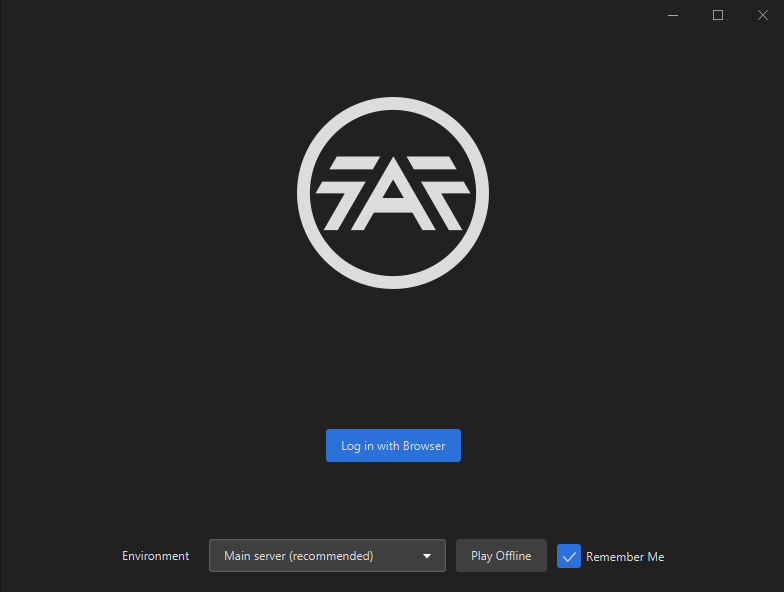
The current pre-release of the client ("pioneer" in the version) is only compatible to itself. So you can only play with other testers. Please be aware!
  • 0 Votes
    4 Posts
    350 Views
    veteranasheV
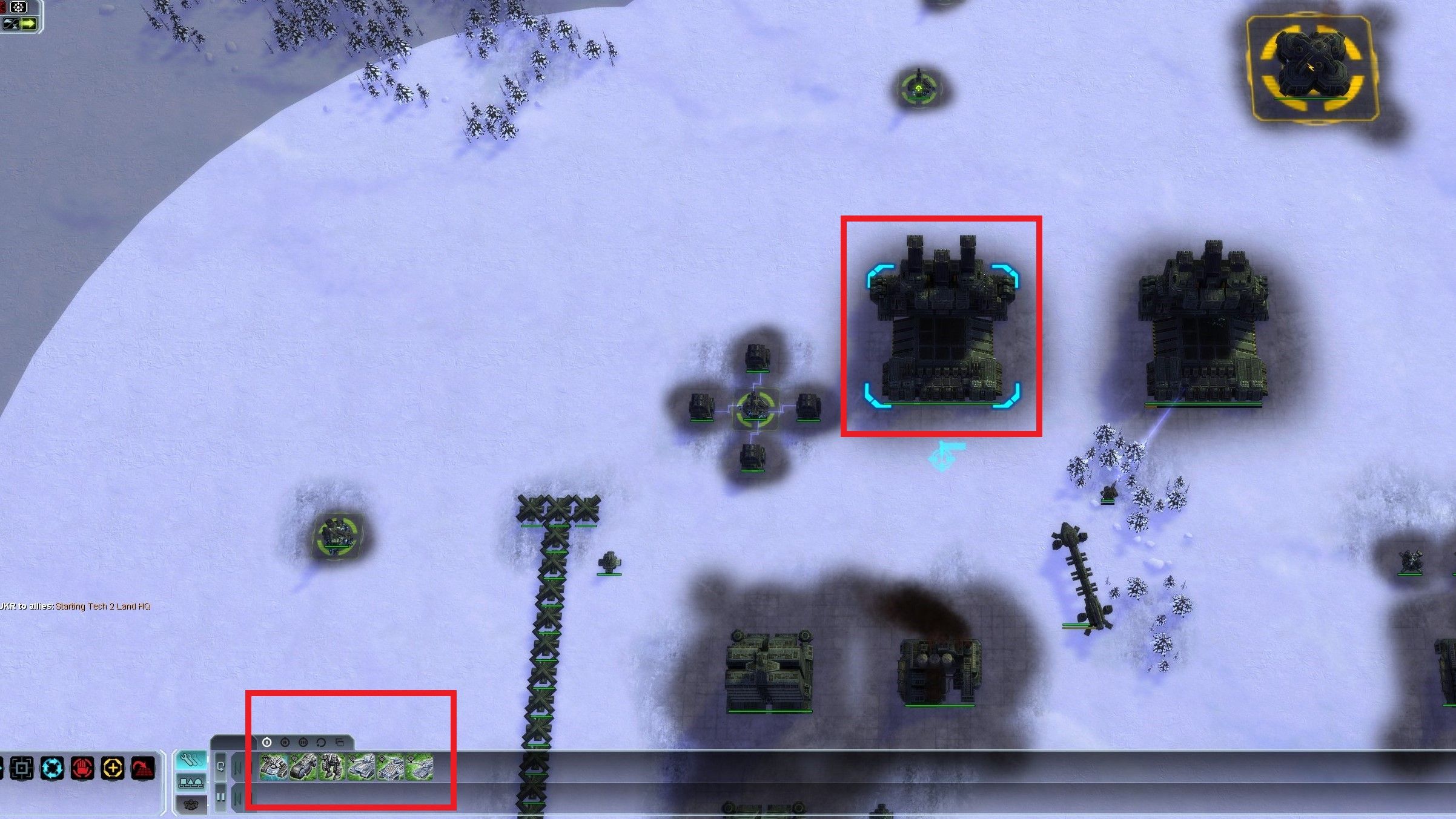
    I noticed in coop you can build t2 factorys without a hq then it only lets you build engies out of them, is that a t2 hq factory?
  • Shield Disruptor Can't Shoot Uphill?

    3
    1
    0 Votes
    3 Posts
    330 Views
    S
    I will complain that it does shoot down from the hill just fine, which is unintuitive.
  • 0 Votes
    1 Posts
    122 Views
    No one has replied
  • Where to download Advanced Strategic Icons mod

    13
    0 Votes
    13 Posts
    5k Views
    Eternal-E
    Icons mod 150% My UI mods
  • All Factions Shield Generator / Mobile shields Bug

    4
    0 Votes
    4 Posts
    385 Views
    JipJ
    Tackled with this pull request on Github, available on the FAF Develop gametype. When the release is due is not certain, but likely near the start of August!
  • Bug? All my units turned invisible, sortof....

    2
    1
    0 Votes
    2 Posts
    142 Views
    MrBreastsM
    ctrl + V I think
  • Game wont start

    2
    0 Votes
    2 Posts
    223 Views
    maggeM
    Probably solution number 4 from here https://forum.faforever.com/topic/4256/solutions-for-common-errors-with-the-faf-client-launcher-or-supreme-commander @magge said in Solutions for common errors with the FAF client launcher or supreme commander: Reason Program is blocked or has wrong user rights Make sure security software is not blocking the client Make sure your windows account has rights to run the software Remove "C:\ProgramData\FAForever" folder; and reinstall FAF For testing purpose, run the client with admin rights.
  • Launcher issue

    4
    1
    0 Votes
    4 Posts
    407 Views
    RoweyR
    try disabling IPv6
  • Game freezes without warning randomly

    15
    1 Votes
    15 Posts
    808 Views
    X
    So it looks like it was up to the unit icons. I've found a temporary fix: enabling the option in the settings for the unit icons to be constantly loaded. Now there are no crashes, I've been able to play for over 30 minutes now.
  • Stuck in connect screen and none of my friends can join my games

    2
    0 Votes
    2 Posts
    190 Views
    maggeM
    Disable your security software for testing purpose.
  • 0 Votes
    5 Posts
    368 Views
    Immortal-DI
    @nine2 That did the trick, thank you! All the features worked fine, I just lost the UI portion. Resizing down to 80% also put it back on screen, where it can then be moved to center and restored.
  • Lab stuck on rocks : Volume 1

    3
    1 Votes
    3 Posts
    361 Views
    AurikoA
    That's great news
  • FAF game freeze. Save file crash to desktop.

    5
    0 Votes
    5 Posts
    514 Views
    K
    It's most likely because I play the game locally, not interested in ranked play. Seems maybe those logs are only created for games played through the FAF launcher? If you are simply trying to play alone, you can do that while still using the FAF launcher (create lobby with password so nobody else can join). Unless the fact that your replay will get uploaded is a problem (btw the replay is very usefull to show problems you encountered in the game to others), i recommend playing that way. You will not be able to save, but seems like saving is broken anyway right now.
  • Не могу посмотреть реплеи

    3
    0 Votes
    3 Posts
    526 Views
    ZLOZ
    Скорее всего игра не видит карты или моды потому что они хранятся в папке с кирилицей или в папке onedrive Если в пути (под цифрой 4) есть русские буквы или onedrive или dropbox или яндекс диск или что-то ещё странное то можно попробовать поменять путь к папке где хранятся карты на какой-нибудь простой типо D:/faf [image: 1657695181380-6dafcdae-9db9-4bd4-a3a7-b913689f5fac-image.png]
  • trying to play campaign with my friend

    crash campaign coop
    5
    0 Votes
    5 Posts
    546 Views
    F
    arma473 correctly points to XACT errors, try to play without sound FAF Launcher ⇾ Options ⇾ Forged Alliance Forever ⇾ Command Line Format for Executable ⇒ add /nosound behind the "%s" if it works, try what they advise you to do with the system and unused sound adapters. study the link https://forum.faforever.com/search?term=XACT &in=titles&matchWords=all&sortBy=relevance&sortDirection=desc&showAs=posts
  • Game says maps are not installed

    1
    1 Votes
    1 Posts
    111 Views
    No one has replied
  • blackOps broken animations

    6
    0 Votes
    6 Posts
    489 Views
    UvesoU
    Black ops is a stand alone mod in FAF. No need for global icon support or other additional mods. you can install all or only one of the following Black Ops mods: BlackOpsFAF-ACUs <only for FAF> v18 More info: https://forum.faforever.com/topic/352/ BlackOpsFAF-Unleashed <only for FAF> v19 More info: https://forum.faforever.com/topic/353/blackopsfaf-unleashed-only-for-faf-v19 BlackOpsFAF-EXUnits <only for FAF> v19 More info: https://forum.faforever.com/topic/354/blackopsfaf-exunits-only-for-faf-v19 Black Ops is compatible to Total Mayhem, so you can use both (all 4) mods together. For more compatible mods see: https://forum.faforever.com/topic/364/updated-mods-for-faf-and-vanilla-steam
  • Stutter problem watching replays

    8
    0 Votes
    8 Posts
    461 Views
    angelofd347hA
    You are watching very old replays, any replay before around 6 months ago is going to run into the nvidia cursor bug. Go into the command menu in game with ~ and type in: d3d_WindowsCursor
  • Select all Air Scouts -> no hotkey?

    3
    1
    0 Votes
    3 Posts
    274 Views
    maggeM
    Thank you very much!
  • Bug: unit menu glitches when docked on left side

    4
    2
    0 Votes
    4 Posts
    310 Views
    B
    As a quick workaround in-game, you can swap the ui back to the bottom and then to the side again. You get a small visual glitch still but doesn't affect the gameplay - it would be nice to get this resolved however.