Awesome, thanks for the quick response!
I'm on Linux, so I don't really have AV software, and the firewall should be totally fine given the campaign works
Other than that, I've set:
Write ICE Log File ->
Allow the ICE adapter to use IPv6 ->
Preferred Countries for ICE -> Global
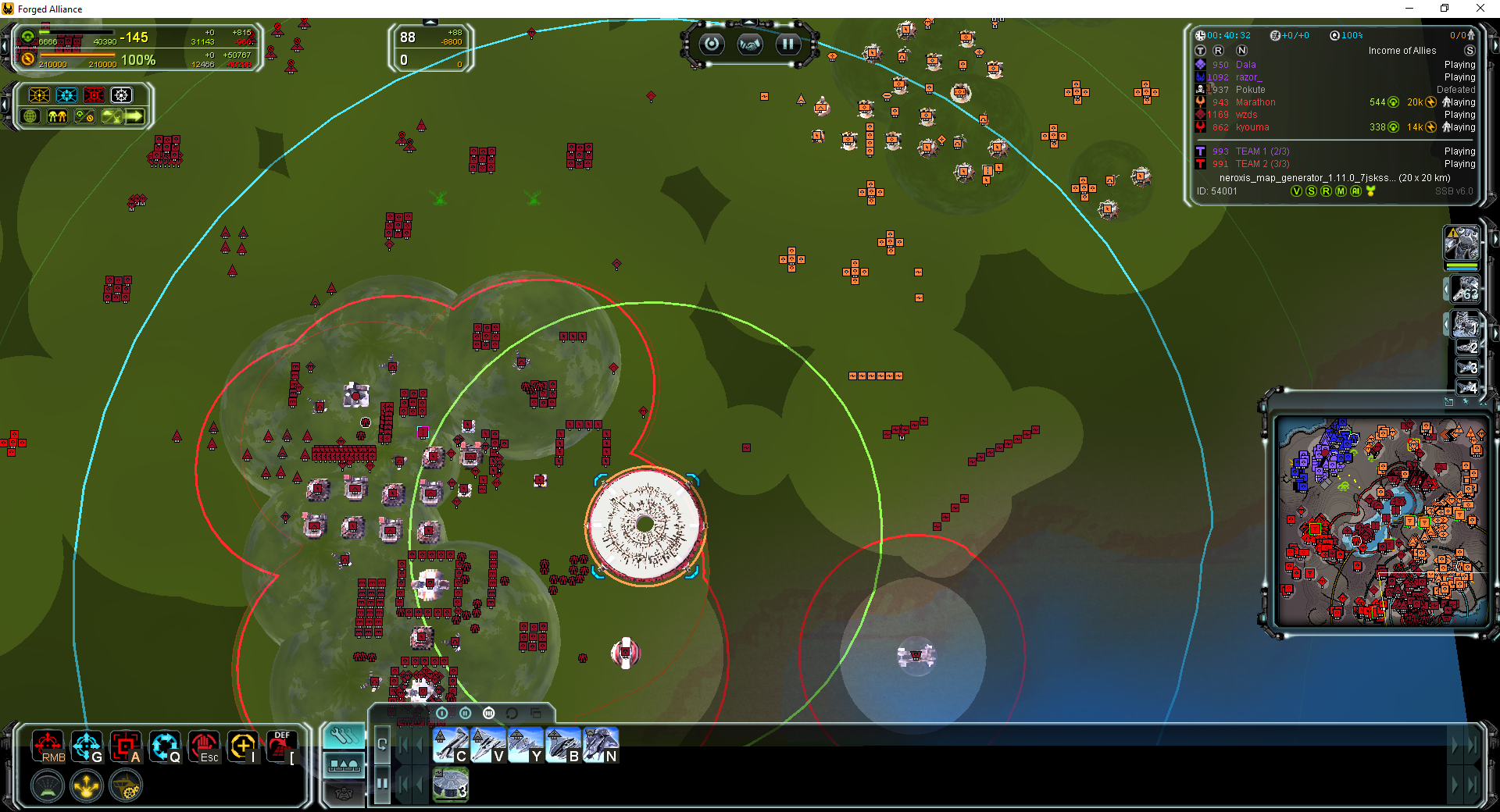
Restarted the client fully, then started a custom game. The game is stuck in this state:
[image: 1713494681241-014d03da-c257-45d5-9de5-45e3a9ff76ff-image.png]
Here are the log contents:
game_.*.log
info: /numgames
info: /mean
info: /clan
info: /deviation
info: GPGNET: setting nat handler to 0x1187b004
info: LOBBY: Game port 41594[UDP] opened.
info: LOBBY: starting with local uid of 462914 [SomeRandomPerson]
info: GPGNET: entering lobby state.
info: Minimized false
info: Minimized true
client.log
2024-04-18T19:37:39.765-07:00 INFO 52913 --- [FAF Client] [pool-3-thread-2] c.f.c.p.SimpleHttpFeaturedModUpdaterTask : Featured mod file already prepared: `FeaturedModFile(id=2342, version=3808, name=schook.nx2, md5=49b242006d3ed9c1b80de3c9dd859ca7, url=https://content.faforever.com/legacy-featured-mod-files/updates_faf_files/schook.3808.nx2?verify=1713494196-RWu%2B8sP%2BMLpS6kwUB8u0%2Bo0SrXNI8MluvLe%2BkiARaSI%3D, cacheableUrl=https://content.faforever.com/legacy-featured-mod-files/updates_faf_files/schook.3808.nx2, hmacToken=1713494196-RWu%2B8sP%2BMLpS6kwUB8u0%2Bo0SrXNI8MluvLe%2BkiARaSI%3D, hmacParameter=verify)`
2024-04-18T19:37:39.925-07:00 INFO 52913 --- [FAF Client] [pool-3-thread-2] c.f.c.p.SimpleHttpFeaturedModUpdaterTask : Featured mod file already prepared: `FeaturedModFile(id=2344, version=3808, name=textures.nx2, md5=eca0b10296c4e6df04d9d1fbcfd66a83, url=https://content.faforever.com/legacy-featured-mod-files/updates_faf_files/textures.3808.nx2?verify=1713494196-%2FDyMux1uQnYbmzixE2nsQuSCiAQugh1yurYF8G%2F%2BGlI%3D, cacheableUrl=https://content.faforever.com/legacy-featured-mod-files/updates_faf_files/textures.3808.nx2, hmacToken=1713494196-%2FDyMux1uQnYbmzixE2nsQuSCiAQugh1yurYF8G%2F%2BGlI%3D, hmacParameter=verify)`
2024-04-18T19:37:40.130-07:00 INFO 52913 --- [FAF Client] [pool-3-thread-2] c.f.c.p.SimpleHttpFeaturedModUpdaterTask : Featured mod file already prepared: `FeaturedModFile(id=2339, version=3808, name=units.nx2, md5=bb2e8b127898bd9a60815b5b7412ccdd, url=https://content.faforever.com/legacy-featured-mod-files/updates_faf_files/units.3808.nx2?verify=1713494196-fd3NEKOR9TusQMYh2b9Nn76ua4d3DTnkitT6FJ17u2Y%3D, cacheableUrl=https://content.faforever.com/legacy-featured-mod-files/updates_faf_files/units.3808.nx2, hmacToken=1713494196-fd3NEKOR9TusQMYh2b9Nn76ua4d3DTnkitT6FJ17u2Y%3D, hmacParameter=verify)`
2024-04-18T19:37:40.131-07:00 INFO 52913 --- [FAF Client] [pool-3-thread-2] c.f.c.p.SimpleHttpFeaturedModUpdaterTask : Featured mod file already prepared: `FeaturedModFile(id=2335, version=3808, name=etc.nx2, md5=b3f81321ffbb086dbdd64ece568e2258, url=https://content.faforever.com/legacy-featured-mod-files/updates_faf_files/etc.3808.nx2?verify=1713494196-EfISYJZFKiMyYKICpe1eKYuRX3ilskASkoJpVCOlShQ%3D, cacheableUrl=https://content.faforever.com/legacy-featured-mod-files/updates_faf_files/etc.3808.nx2, hmacToken=1713494196-EfISYJZFKiMyYKICpe1eKYuRX3ilskASkoJpVCOlShQ%3D, hmacParameter=verify)`
2024-04-18T19:37:40.140-07:00 INFO 52913 --- [FAF Client] [pool-3-thread-2] c.f.c.patch.GameBinariesUpdateTaskImpl : Updating binaries to `3808`
2024-04-18T19:37:40.396-07:00 INFO 52913 --- [FAF Client] [Thread-44] c.faforever.client.replay.ReplayServer : Connecting to replay server at `lobby.faforever.com:15000`
2024-04-18T19:37:40.397-07:00 INFO 52913 --- [FAF Client] [ForkJoinPool.commonPool-worker-7] c.f.client.fa.relay.ice.IceAdapterImpl : Starting ICE adapter with command: [/usr/lib/jvm/java-21-openjdk-21.0.2.0.13-1.rolling.fc39.x86_64/bin/java, -Dorg.ice4j.ipv6.DISABLED=true, -cp, %USER_PROFILE%/Games/FAF/faf-client-2024.3.0/natives/faf-ice-adapter.jar:%USER_PROFILE%/Games/FAF/latest/lib/javafx-base-21-linux.jar:%USER_PROFILE%/Games/FAF/latest/lib/javafx-base-21.jar:%USER_PROFILE%/Games/FAF/latest/lib/javafx-controls-21-linux.jar:%USER_PROFILE%/Games/FAF/latest/lib/javafx-controls-21.jar:%USER_PROFILE%/Games/FAF/latest/lib/javafx-fxml-21-linux.jar:%USER_PROFILE%/Games/FAF/latest/lib/javafx-graphics-21-linux.jar:%USER_PROFILE%/Games/FAF/latest/lib/javafx-graphics-21.jar:%USER_PROFILE%/Games/FAF/latest/lib/javafx-media-21-linux.jar:%USER_PROFILE%/Games/FAF/latest/lib/javafx-media-21.jar:%USER_PROFILE%/Games/FAF/latest/lib/javafx-swing-21-linux.jar:%USER_PROFILE%/Games/FAF/latest/lib/javafx-web-21-linux.jar, com.faforever.iceadapter.IceAdapter, --id, 462914, --game-id, 22312718, --login, SomeRandomPerson, --rpc-port, 38571, --gpgnet-port, 41645]
2024-04-18T19:37:40.409-07:00 WARN 52913 --- [FAF Client] [ForkJoinPool.commonPool-worker-7] c.f.client.fa.relay.ice.IceAdapterImpl : Could not connect to ICE adapter (attempt 1/50)
2024-04-18T19:37:40.660-07:00 WARN 52913 --- [FAF Client] [ForkJoinPool.commonPool-worker-7] c.f.client.fa.relay.ice.IceAdapterImpl : Could not connect to ICE adapter (attempt 2/50)
2024-04-18T19:37:42.769-07:00 INFO 52913 --- [FAF Client] [reactor-http-epoll-8] c.f.c.fa.ForgedAllianceLaunchService : Starting Forged Alliance with command: [%USER_PROFILE%/Games/FAF/run, %USER_PROFILE%/.faforever/bin/ForgedAlliance.exe, /nomovie, /init, init.lua, /nobugreport, /log, %USER_PROFILE%/.faforever/logs/game_22312718.log, /gpgnet, 127.0.0.1:41645, /mean, 1447.7900390625, /deviation, 114.25199890136719, /savereplay, gpgnet://127.0.0.1:34331/22312718/SomeRandomPerson.SCFAreplay, /country, CA, /numgames, 143, /numgames, 133] in directory: %USER_PROFILE%/.faforever/bin
ice-adapter.log
2024-04-18 19:38:41.141 DEBUG Listening for GPG messages (c.f.iceadapter.gpgnet.GPGNetServer:137)
2024-04-18 19:38:41.142 INFO Sending Notification:{"method":"onConnectionStateChanged","params":["Connected"],"jsonrpc":"2.0"} (com.nbarraille.jjsonrpc.JJsonPeer:529)
2024-04-18 19:38:41.143 INFO GPGNetClient has connected (c.f.iceadapter.gpgnet.GPGNetServer:84)
2024-04-18 19:38:41.148 DEBUG New GameState: Idle (c.f.iceadapter.gpgnet.GPGNetServer:95)
2024-04-18 19:38:41.149 INFO Sent GPGNet message: CreateLobby 0 41594 SomeRandomPerson 462914 1 (c.f.iceadapter.gpgnet.GPGNetServer:126)
2024-04-18 19:38:41.150 INFO Received GPGNet message: GameState Idle (c.f.iceadapter.gpgnet.GPGNetServer:116)
2024-04-18 19:38:41.150 INFO Sending Notification:{"method":"onGpgNetMessageReceived","params":["GameState",["Idle"]],"jsonrpc":"2.0"} (com.nbarraille.jjsonrpc.JJsonPeer:529)
2024-04-18 19:38:41.267 DEBUG New GameState: Lobby (c.f.iceadapter.gpgnet.GPGNetServer:95)
2024-04-18 19:38:41.268 INFO Received GPGNet message: GameState Lobby (c.f.iceadapter.gpgnet.GPGNetServer:116)
2024-04-18 19:38:41.268 INFO Sending Notification:{"method":"onGpgNetMessageReceived","params":["GameState",["Lobby"]],"jsonrpc":"2.0"} (com.nbarraille.jjsonrpc.JJsonPeer:529)
advanced-ice-adapter.log
19:38:41.141 [Thread-5] DEBUG c.f.i.g.GPGNetServer - Listening for GPG messages
19:38:41.142 [Thread-0] INFO c.n.j.JJsonPeer - Sending Notification:{"method":"onConnectionStateChanged","params":["Connected"],"jsonrpc":"2.0"}
19:38:41.143 [Thread-0] INFO c.f.i.g.GPGNetServer - GPGNetClient has connected
19:38:41.148 [Thread-5] DEBUG c.f.i.g.GPGNetServer - New GameState: Idle
19:38:41.149 [Thread-5] INFO c.f.i.g.GPGNetServer - Sent GPGNet message: CreateLobby 0 41594 SomeRandomPerson 462914 1
19:38:41.150 [Thread-5] INFO c.f.i.g.GPGNetServer - Received GPGNet message: GameState Idle
19:38:41.150 [Thread-5] INFO c.n.j.JJsonPeer - Sending Notification:{"method":"onGpgNetMessageReceived","params":["GameState",["Idle"]],"jsonrpc":"2.0"}
19:38:41.267 [Thread-5] DEBUG c.f.i.g.GPGNetServer - New GameState: Lobby
19:38:41.268 [Thread-5] INFO c.f.i.g.GPGNetServer - Received GPGNet message: GameState Lobby
19:38:41.268 [Thread-5] INFO c.n.j.JJsonPeer - Sending Notification:{"method":"onGpgNetMessageReceived","params":["GameState",["Lobby"]],"jsonrpc":"2.0"}
Does anything look out of the ordinary here?