The current pre-release of the client ("pioneer" in the version) is only compatible to itself. So you can only play with other testers. Please be aware!

Subcategories

  • 29 Topics
    260 Posts
    maudlin27M
    FAF's rules are set out on the main FAForever website - by accessing FAF services, you agree to the rules outlined there, which are supplemental to the FAF Terms of Service. For details of how to report rule breaches and/or how the rules are enforced, please refer to the separate page on moderation Separate contribution guidelines exist for those considering contributing to FAF, while there are also official tournament rules that apply to official FAF tournaments.
  • 948 Topics
    5k Posts
    wilson_W
    Hey @HerbertFreir, I've randomly come across this post. It's a common thing in pretty much every online game that people will flame each other. All it is is a coping mechanism so they must not admit they made a mistake themselves. It's really just the easy way out for being anonymous on the internet. There is no way of saying this is common or uncommon across a community as a whole as it's mostly invididual. Estimating how often it will happen to you is nearly impossible. Sometimes you will be flamed three times a day, sometimes it won't happen for two years straight. But there is a tendency: The bigger and the younger (on average) the community the more likely it is that people will flame, as they don't expect to bump into the other one ever again. FAF is a small, "well aged" community, and therefore less likely to be that way, as you for sure will bump into someone again. What usually helps is narrowing down the amount of anonymity to a minimum by playing with people you know through joining smaller clans / communities. I, for instance, happen to run a beginners group within the FAF Dojo. It's me and my co-trainer running training sessions with up to a dozen trainees (0-1300 rated) three times a week, in the EU evening hours. Our youngest trainee is ~20 years old, our oldest is ~60 years old. We have gay / trans people, furries... We welcome everyone and respect each other. It's about having fun and learning together. If the above is appealing to you and you could make (some of) the training hours, feel free to join our Discord server and reach out to me. If you can not make my specific training hours, please still feel free to join, meet people you could play with, and maybe find another trainer that matches your time zone.
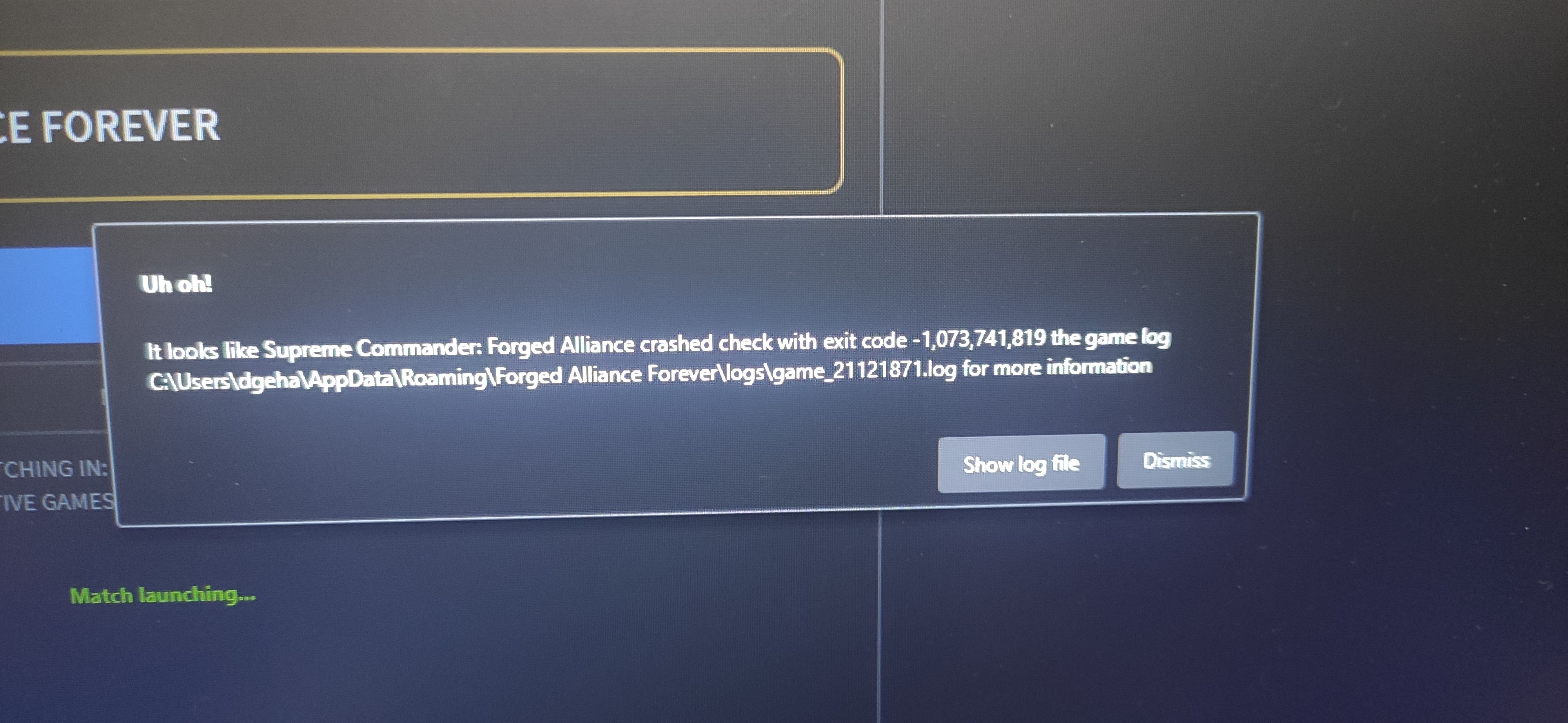
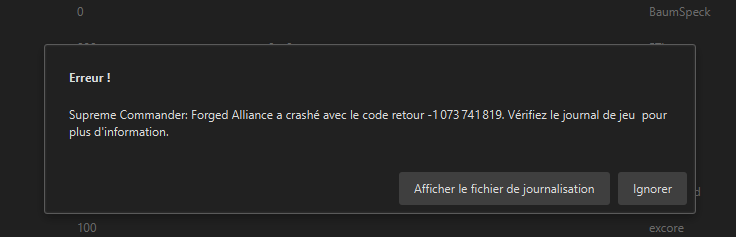
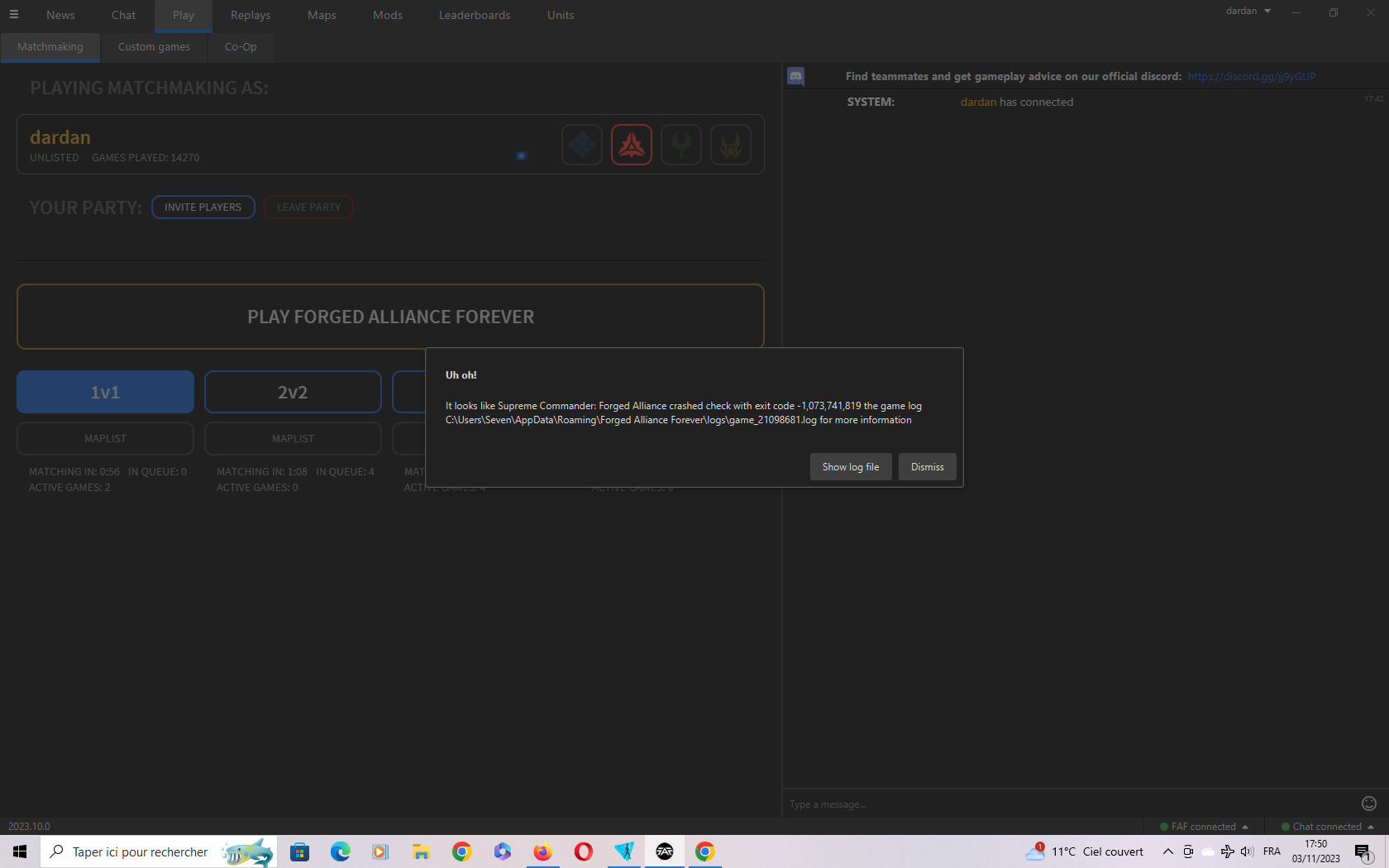
  • Please provide detailled logs and/or error messages!

    1k Topics
    4k Posts
    maggeM
    Have you secured your Discord account since the incident? What steps have you taken to make sure it cannot be used for malicious activity again?
  • 40 Topics
    160 Posts
    D
    Thanks for your replies, I tested Eternal Strategic Icons, in combination with Penguin's Icon Mod and ACU Highlight (those three mods seem to be compatible), and it looks a lot nicer with the size increase of 150%
  • The game crashes again, what should I do?

    6
    1
    0 Votes
    6 Posts
    430 Views
    MostLostNoobM
    To expand on Nex's answer: You have a sound bug which you can tell by the SND/XACT warnings. Simple fix steps are: Windows key > type: Control Panel > Open > Sound > Playback > select the Device you use: Configure > Stereo > finish configuration, Properties: Enhancements > Disable all enhancements, Advanced > no higher than 24 bit, 48000 Hz, Spatial Sound > Off, Restart or Shift+Shutdown (not just Shutdown) of PC If your headphones come with any applet/program, then you may want to disable that & try using the headphones without it. Similarly, if they use a USB or Bluetooth dongle to connect to the PC, see if you can connect directly without the dongle.
  • Game Crash

    3
    0 Votes
    3 Posts
    252 Views
    F
    i did the sound thing with my headset, i disabled the sound via number 2 and a few other things, but it still crashed, i edited the original message with the new log
  • i need ehlp

    18
    0 Votes
    18 Posts
    665 Views
    S
    thank u so much all this time i had to enable the write box qwq
  • Why is the FAF client so flaky?

    3
    0 Votes
    3 Posts
    333 Views
    JipJ
    The client has been flaky lately (heh) because all of the architecture behind the client has been DDOS'ed the past weeks. The server admins have put in a lot of effort to combat this but in the end our resources are limited. It also doesn't help that Cloudflare (that we use for file distribution) has been a bit flaky too the past week. All in all I think your experience matches with what is going on; luckily we're working on it and we've even recently made a major step towards stability and we'd love to hear your feedback on that
  • Uh Oh Game Could Not Be Joined

    3
    0 Votes
    3 Posts
    204 Views
    P
    @magge Thankyou for your response. I restarted my computer twice. I also re-installed FAF. I also, checked my firewall 'allowed programmes list' as with all the updates something may have snagged on there. It now connects fine. Thanks for your quick response.
  • Unable to start the game

    5
    2
    0 Votes
    5 Posts
    356 Views
    C
    Everything worked. with update V2023.11.0 -everything ok
  • Generated maps keep disappearing

    neroxis mapgen maps disappear
    12
    0 Votes
    12 Posts
    1k Views
    IndexLibrorumI
    I'd love to have a button to save certain seeds locally.
  • unable to join lobbies

    5
    1
    0 Votes
    5 Posts
    1k Views
    S
    Command line: C:\ProgramData\FAForever\bin\ForgedAlliance.exe /init init.lua /nobugreport /log "%USER_PROFILE%\AppData\Roaming\Forged Alliance Forever\logs\game_21128057.log" /gpgnet 127.0.0.1:60717 /mean 1765.51 /deviation 429.192 /savereplay gpgnet://127.0.0.1:60715/21128057/Spyhunter777.SCFAreplay /country "" /numgames 2 /numgames 1 Exit code: 1 Engine ver.: 3772 Game tick: 0 ACCESS_VIOLATION: Write to 0x0128CACC Stacktrace: 0x0128CACC KERNEL32.DLL+0x0001FCC7 ntdll.dll+0x00067C6C KERNELBASE.dll+0x00136DC0 gameoverlayrenderer.dll+0x00088288 MiniDump: From 0x0128CA8C to 0x0128CB0C 401CC35589E58B45085D8B4004C35589E58B45085D8B4004C35789F1E89EFBFFFF5F5E5B89ECE979245EFFC3F30F10442410F30F1105F0132901E9C04F64FFC3 5589E557565383EC3CC7042492152901FF1578F3C0005189C3C74424041E172901890424FF158CF4C000565689C6C74424049B152901891C24FF158CF4C00057 DLLs: C:\WINDOWS\SysWOW64\KERNEL32.DLL C:\WINDOWS\SysWOW64\KERNELBASE.dll C:\Program Files\AVG\Antivirus\x86\aswhook.dll C:\WINDOWS\SysWOW64\SHLWAPI.dll C:\WINDOWS\SysWOW64\msvcrt.dll C:\WINDOWS\SysWOW64\USER32.dll C:\WINDOWS\SysWOW64\win32u.dll C:\WINDOWS\SysWOW64\GDI32.dll C:\ProgramData\FAForever\bin\BugSplat.dll C:\WINDOWS\SysWOW64\gdi32full.dll C:\WINDOWS\SysWOW64\ADVAPI32.dll C:\WINDOWS\SysWOW64\msvcp_win.dll C:\WINDOWS\SysWOW64\sechost.dll C:\WINDOWS\SysWOW64\ucrtbase.dll C:\WINDOWS\SysWOW64\RPCRT4.dll C:\WINDOWS\SysWOW64\comdlg32.dll C:\WINDOWS\SysWOW64\ole32.dll C:\WINDOWS\SysWOW64\combase.dll C:\WINDOWS\SysWOW64\combase.dll C:\WINDOWS\SysWOW64\shcore.dll C:\WINDOWS\SysWOW64\SHELL32.dll C:\WINDOWS\SysWOW64\WININET.dll C:\WINDOWS\SysWOW64\WS2_32.dll C:\WINDOWS\WinSxS\x86_microsoft.windows.common-controls_6595b64144ccf1df_5.82.19041.3570_none_c0ddcb7e38bd1f11\COMCTL32.dll C:\WINDOWS\WinSxS\x86_microsoft.windows.common-controls_6595b64144ccf1df_5.82.19041.3570_none_c0ddcb7e38bd1f11\COMCTL32.dll C:\WINDOWS\SysWOW64\urlmon.dll C:\WINDOWS\SysWOW64\VERSION.dll C:\ProgramData\FAForever\bin\dbghelp.dll C:\WINDOWS\SysWOW64\X3DAudio1_2.dll C:\WINDOWS\SysWOW64\faultrep.DLL C:\WINDOWS\SysWOW64\DSOUND.dll C:\WINDOWS\SysWOW64\d3dx9_35.dll C:\WINDOWS\SysWOW64\d3d9.dll C:\WINDOWS\SysWOW64\WINMM.dll C:\WINDOWS\SysWOW64\iertutil.dll C:\WINDOWS\SysWOW64\srvcli.dll C:\WINDOWS\SysWOW64\netutils.dll C:\WINDOWS\SysWOW64\powrprof.dll C:\WINDOWS\SysWOW64\powrprof.dll C:\WINDOWS\SysWOW64\kernel.appcore.dll C:\WINDOWS\SysWOW64\winmmbase.dll C:\WINDOWS\SysWOW64\dwmapi.dll C:\WINDOWS\SysWOW64\windows.storage.dll C:\WINDOWS\SysWOW64\Wldp.dll C:\WINDOWS\SysWOW64\IMM32.DLL C:\WINDOWS\SysWOW64\bcryptPrimitives.dll C:\WINDOWS\SysWOW64\uxtheme.dll C:\WINDOWS\SysWOW64\UMPDC.dll C:\Program Files (x86)\Steam\gameoverlayrenderer.dll C:\WINDOWS\SysWOW64\OLEAUT32.dll C:\WINDOWS\SysWOW64\CFGMGR32.dll C:\WINDOWS\SysWOW64\PSAPI.DLL
  • Unable to play

    Moved
    4
    1
    0 Votes
    4 Posts
    284 Views
    maggeM
    There was a recent hotfix patch that caused this issue. I know it is frustrating; Creating more threads about it will not speed up the process. As mentioned in the initial post, a fix is being worked on. Please, just be a bit more patient.
  • This topic is deleted!

    1
    0 Votes
    1 Posts
    4 Views
    No one has replied
  • 0 Votes
    4 Posts
    347 Views
    C
    Since this issue pops up every now and then: https://github.com/FAForever/faf-user-service/pull/185
  • Unable to join games on the latest 10.1-alpha-1 release

    6
    1
    1 Votes
    6 Posts
    464 Views
    E
    Seems to be working for me now on the same alpha client
  • Error when trying to download Maps

    2
    1
    0 Votes
    2 Posts
    141 Views
    E
    Fixed. No idea how.
  • Got A Weird Problem! Help!

    4
    -1 Votes
    4 Posts
    271 Views
    O
    Problem Solved! AI Acts Correctly using the FAF Develop. Using FAF (default) and FAF Beta Balance results in the AI standing there NOT building, moving or reacting to the units or player!
  • 3v3 game does not start

    8
    1
    0 Votes
    8 Posts
    920 Views
    T
    [image: 1698744712293-image.png]
  • Can't continue in Red Flag mission (mission 3 from Forged Alliance)

    2
    0 Votes
    2 Posts
    196 Views
    Sladow-NoobS
    Go into the coop-discord https://discord.gg/QMVjtbyWja and post your logs in bug-reporting
  • TMM game launches without active queue

    3
    0 Votes
    3 Posts
    352 Views
    C
    found a feature that would close this issue, but don't know the state. https://github.com/FAForever/downlords-faf-client/issues/1783 https://github.com/FAForever/server/issues/607 Since this is already ongoing for 3 years, i doubt it would be implemented fast.
  • MODs for a returning player

    8
    0 Votes
    8 Posts
    845 Views
    F
    ctrl+x + ctrl+k
  • Where the buildmode settings?

    4
    0 Votes
    4 Posts
    371 Views
    MostLostNoobM
    @FreemanItsNotHe That keybind is present in both vanilla SCFA (in the Steam version at least) as well as in FAF. Can you please take a screenshot of the bottom keybinds shown in the Order section of the F1 Key Bindings menu as this keybind will be close to the bottom? Also of note, the default assignment for this keybind is B.
  • Connectivity problems, timeout. ICE log included

    connect error ice adapter javafx
    1
    0 Votes
    1 Posts
    3k Views
    No one has replied