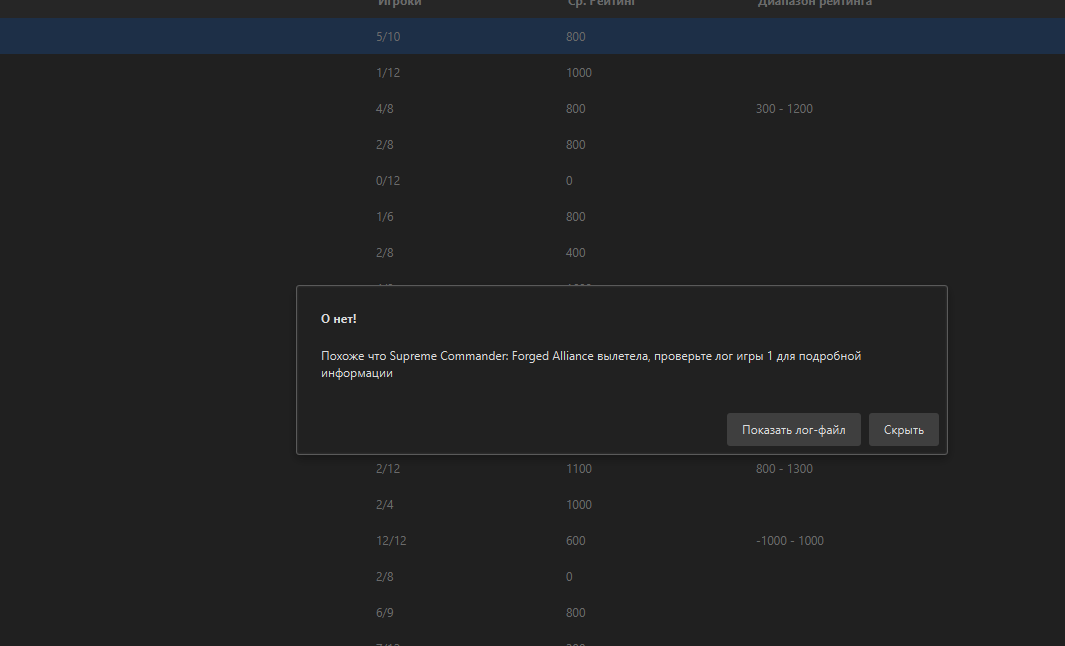
The current pre-release of the client ("pioneer" in the version) is only compatible to itself. So you can only play with other testers. Please be aware!
It requiring an assembly patch means a mod isn't going to be doing it unless you plan on learning how to reverse engineer closed source engines. Although even in that case, I'm not sure if a mod that messes with the .exe won't just result in an immediate desync regardless.
@jawbone said in Template Rotation option:
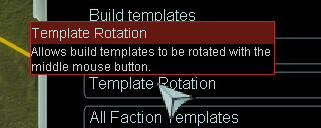
Anybody have any idea what Template Rotation does?
It's suppose to be activated by pressing the middle mouse button. But the all my middle mouse button does is allow me another way to pan the game map?!?!
I am also experiencing this problem, I'm on windows 10.
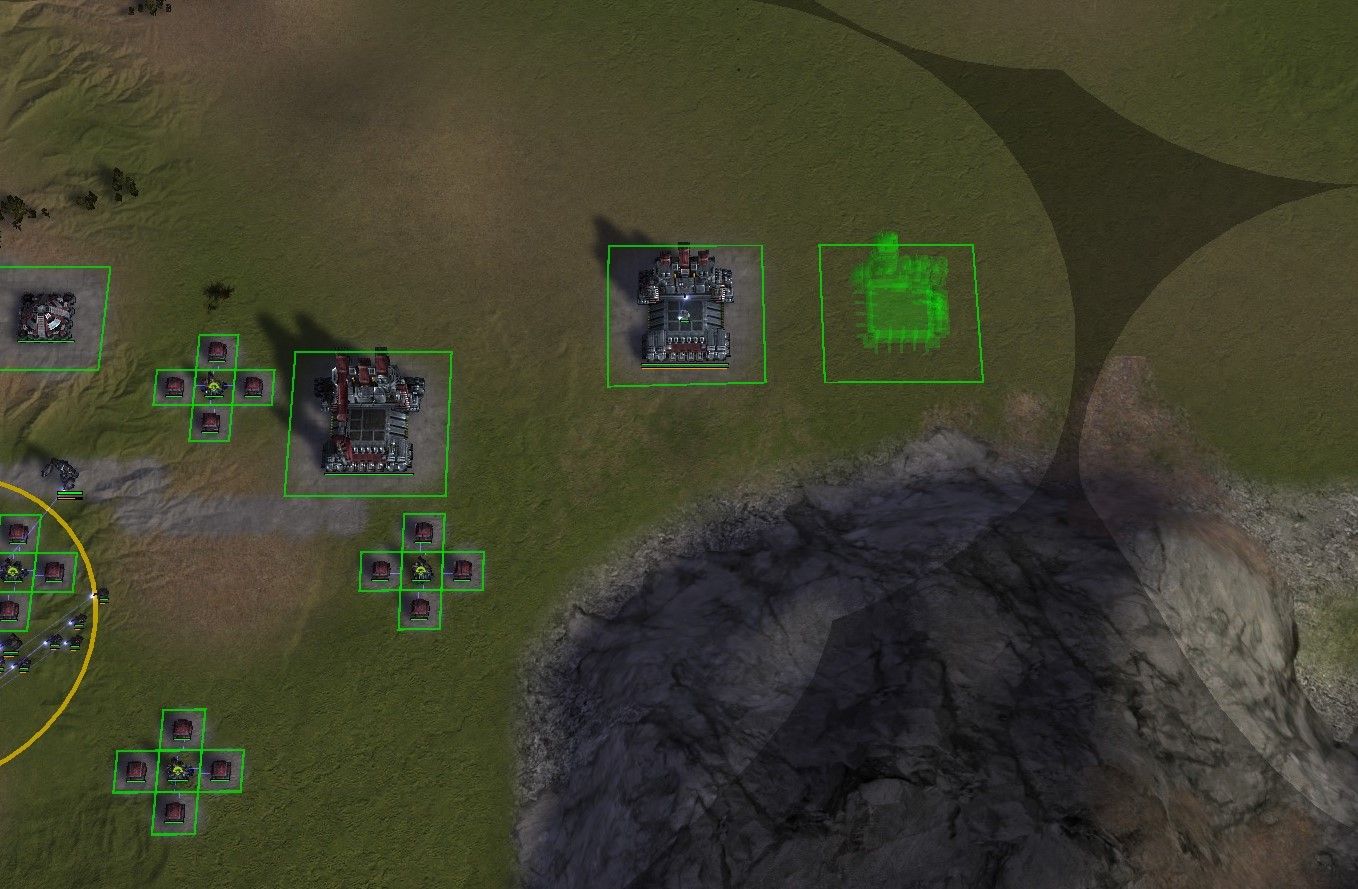
The middle mouse button only pans the map and doesn't rotate templates or select factory templates from the preview list.
In previous versions template rotating with the MMB was working for me with the same mouse and laptop as now.
Googling turned up with this old thread
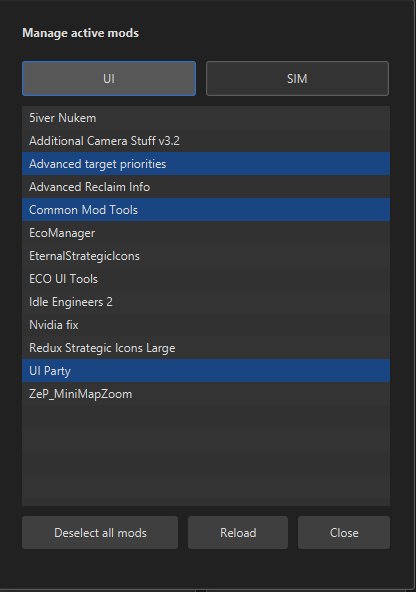
It's from ages ago, but if the mods mentioned have been integrated into FAF it might hold some clue as to what's gone wrong?
Usually you can simply copy and paste your keybindings and templates (or any other setting) from your old Game.prefs - Just poke around and make a backup, then you can test it. In the worst case, you can simply restore the backup and try again.
Yeah, was looking into that as well, but as far as I know it can't be done unfortunately by default (maybe some UI mod allows it). But, I would be interested in getting that functionallity as well.
Might suggest detailing what OS, and the specific characteristics of you system. Running in a VM, Windows? Limited user account...? While hard to say but looking at the stack trace it looks more like a corrupt install of java more then FAF, and FAF is encountering the errors because Java is dorked up.
@kalimus020 the AI-Uveso mod will be updated in time for the next patch, thanks for the report!
@maudlin27 thanks for Ping!
@Jip thanks for the information!
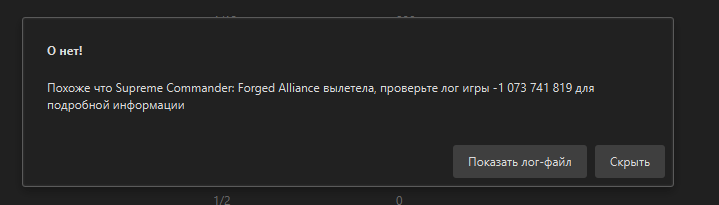
Error type: System sound configuration error
Error line number: 904
Error line: warning: SND: XACT3DApply failed.
Error description: Incompatible sound configuration causes issues which will lead to random crashes.
Error solution: https://forum.faforever.com/topic/4084/solutions-for-snd-error-xact-invalid-arg-xact3dapply-failed