The current pre-release of the client ("pioneer" in the version) is only compatible to itself. So you can only play with other testers. Please be aware!
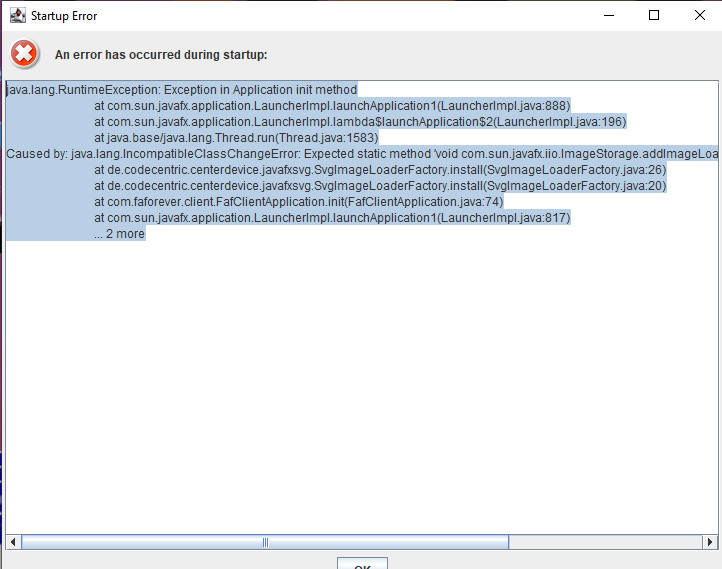
  • Client won't start

    1
    0 Votes
    1 Posts
    137 Views
    No one has replied
  • Font Style Menu - Cursive how to change

    5
    1
    0 Votes
    5 Posts
    363 Views
    Z
    Like to put this up on the list again... no help since now...
  • Recent Network issue

    3
    0 Votes
    3 Posts
    445 Views
    P
    @jip Not sure why would FAF be DDOS, surely some idiotic script kiddies.
  • Client won't let me log in

    4
    0 Votes
    4 Posts
    288 Views
    MostLostNoobM
    @cozytoast %USERPROFILE%/AppData\Roaming\Forged Alliance Forever\logs
  • This topic is deleted!

    1
    3
    0 Votes
    1 Posts
    5 Views
    No one has replied
  • ICE Adapter load my CPU on 100%

    2
    1
    0 Votes
    2 Posts
    279 Views
    nflandersN
    again [image: 1705846262015-ice_adapter_2.png]
  • Ressource a 0 en escarmouche

    1
    0 Votes
    1 Posts
    88 Views
    No one has replied
  • Client won't recognize game, tried all

    6
    0 Votes
    6 Posts
    255 Views
    S
    @sheikah [image: 1705767573434-0bfaec7d-c88e-4f2e-9b18-b638989c69c3-image.png] omfg..... i see it now. fml
  • FAF won't start

    5
    0 Votes
    5 Posts
    402 Views
    MostLostNoobM
    @DyTkA I agree with Amygdala that something is preventing the FAF Client from starting. The usual suspect for this is AV software, including Windows Security. I would double check that as even though you disabled it at some point, a Windows update may have re-enabled it without your knowledge. If it isn't AV software/Windows Security, then you may need to do a system file check to make sure your Windows is running as it should.
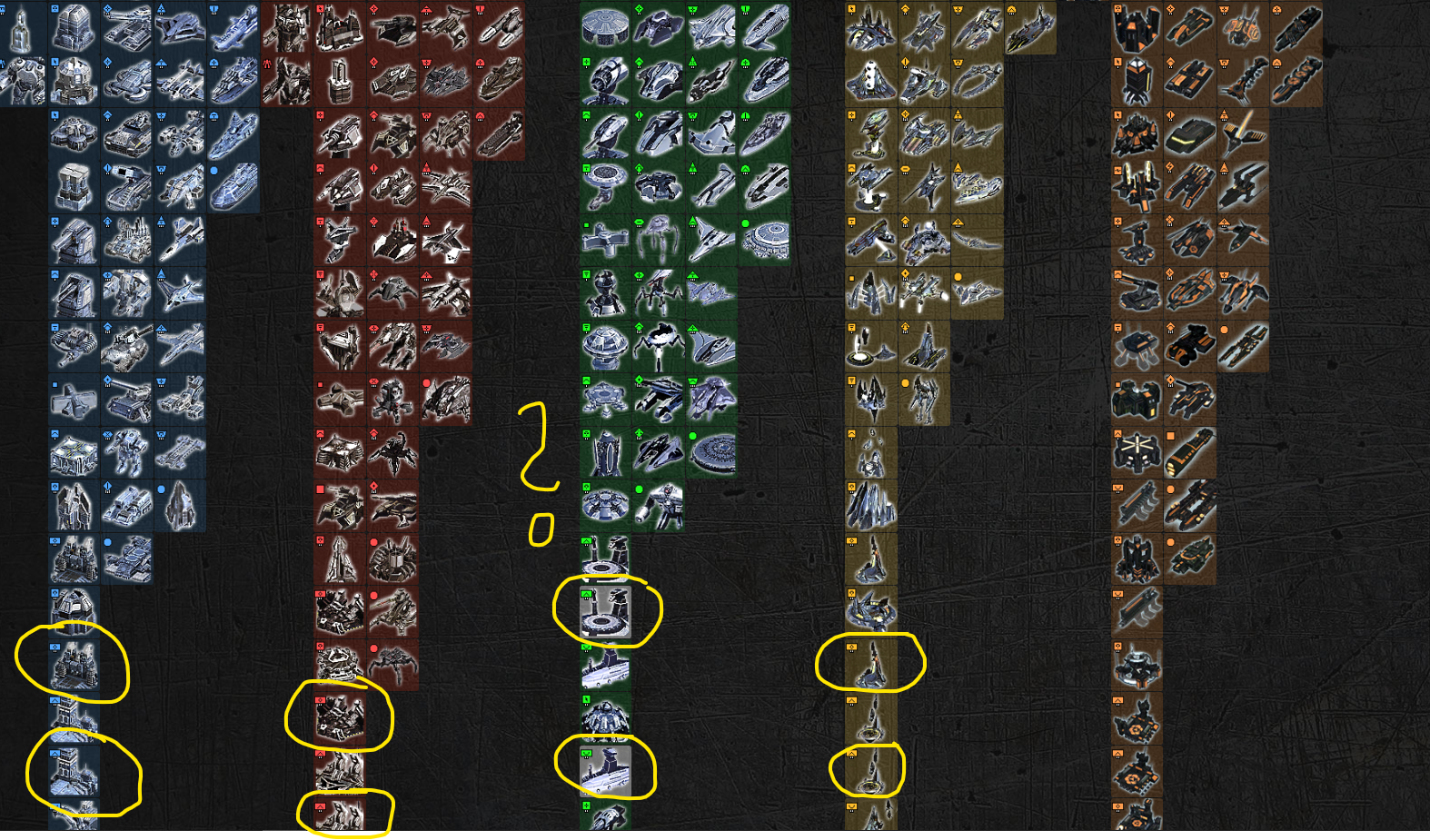
  • Aeon Land missing?

    6
    1
    0 Votes
    6 Posts
    406 Views
    ?
    Unit DBs are on my to-do list but just not got around to them
  • The "game is null" error

    6
    0 Votes
    6 Posts
    446 Views
    F
    hello. same issue client.log advanced-ice-adapter.log ice-adapter.log game_21638094.log
  • FAF client won't start

    12
    0 Votes
    12 Posts
    571 Views
    S
    Yeah you were on an older version of windows 10 that newer versions of the client couldn't run on. Glad you were able to update.
  • New installation error on startup

    5
    0 Votes
    5 Posts
    1k Views
    D
    Looks like that did it. Thanks for the help.
  • FAF doesnt recognize I have supcom

    19
    2
    0 Votes
    19 Posts
    1k Views
    E
    @brutus5000 Me neither. But now I'm happy and enjoying the FOF. You guys made very great work with SC!
  • Game crash during play

    1
    0 Votes
    1 Posts
    80 Views
    No one has replied
  • Mod upload failed

    2
    0 Votes
    2 Posts
    170 Views
    S
    I used dashes in the name of the directory with the mod, which apparently causes the problem. Names of files, on the other hand, can contain dashes, it would seem. Problem solved.
  • New install crashes when starting co-op game

    2
    0 Votes
    2 Posts
    709 Views
    MostLostNoobM
    @iczero Linux help please
  • Crashes due to sound errors

    crash sounderror
    3
    0 Votes
    3 Posts
    472 Views
    MostLostNoobM
    @the1defier Also, for any future issue you have with the game, please go to client > top left menu > Show logs folder > logs > sort by Date Modified, then use the most recent game_21xxxxxx.log file (should be of the game that just froze/crashed) so those that can help (not me) have a complete file of data to look at.
  • Throws an error every time I try to host a custom game.

    3
    0 Votes
    3 Posts
    196 Views
    Z
    client.log game_21579385.log Here are the log files requested.
  • Lobby Presets are lost

    2
    0 Votes
    2 Posts
    317 Views
    A
    Update ... I can set a new preset .... seems my old saved presets are lost.