The current pre-release of the client ("pioneer" in the version) is only compatible to itself. So you can only play with other testers. Please be aware!

Subcategories

  • 29 Topics
    260 Posts
    maudlin27M
    FAF's rules are set out on the main FAForever website - by accessing FAF services, you agree to the rules outlined there, which are supplemental to the FAF Terms of Service. For details of how to report rule breaches and/or how the rules are enforced, please refer to the separate page on moderation Separate contribution guidelines exist for those considering contributing to FAF, while there are also official tournament rules that apply to official FAF tournaments.
  • 955 Topics
    5k Posts
    S
    I have seen this with one other player and they have said it happened due to their isp killing their connection. Can you upload logs using the java client with the debug logging turned on so I can inspect.
  • Please provide detailled logs and/or error messages!

    1k Topics
    4k Posts
    S
    What version of the browser are you running?
  • 40 Topics
    160 Posts
    D
    Thanks for your replies, I tested Eternal Strategic Icons, in combination with Penguin's Icon Mod and ACU Highlight (those three mods seem to be compatible), and it looks a lot nicer with the size increase of 150%
  • Changing game speed in game?

    3
    0 Votes
    3 Posts
    474 Views
    C
    Ahhh, thanks, that worked! It was driving me nuts!
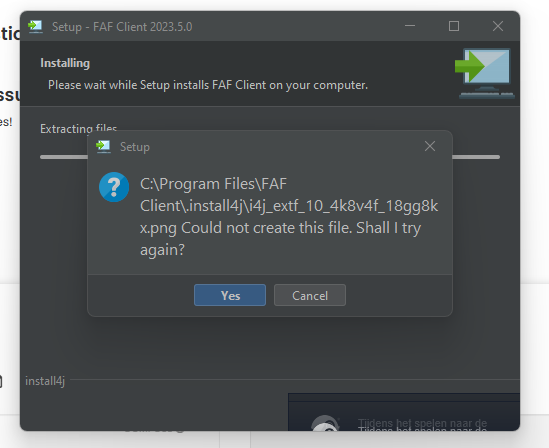
  • cant install/update to new client

    5
    1
    0 Votes
    5 Posts
    350 Views
    T
    now it somehow just installed when i said f it one last time... thanks for the reply anyway
  • mapgen

    3
    0 Votes
    3 Posts
    264 Views
    H
    @Penguin_ I couldn't get it to run
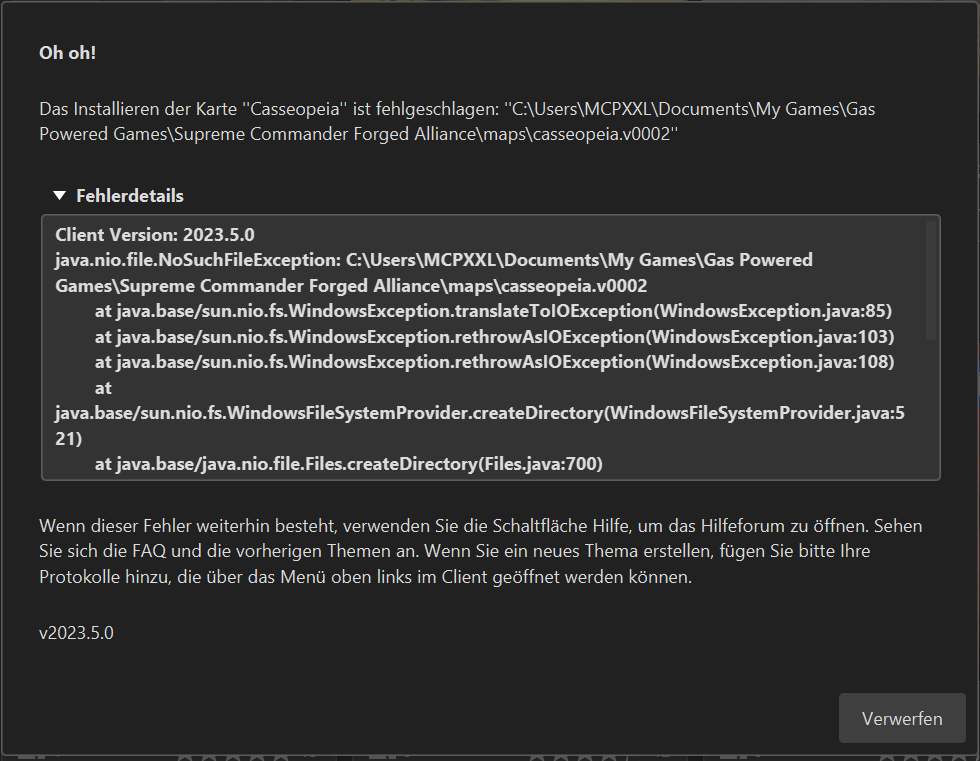
  • Errors after latest update AGAIN

    2
    1
    1 Votes
    2 Posts
    198 Views
    veteranasheV
    I just closed out faf and reopened, client side worked fine.
  • Error after faf-linux installation

    3
    0 Votes
    3 Posts
    297 Views
    A
    Thanks for the answer! But I tried all of this before and the error kept appearing. I solved this by putting Windows as the second system on the PC. Been trying to solve it for a month but nothing.
  • Keep losing my connecting ingame

    5
    1 Votes
    5 Posts
    506 Views
    Y
    thx, I think that should be the factor too, bing bong my powerling was to cheap.
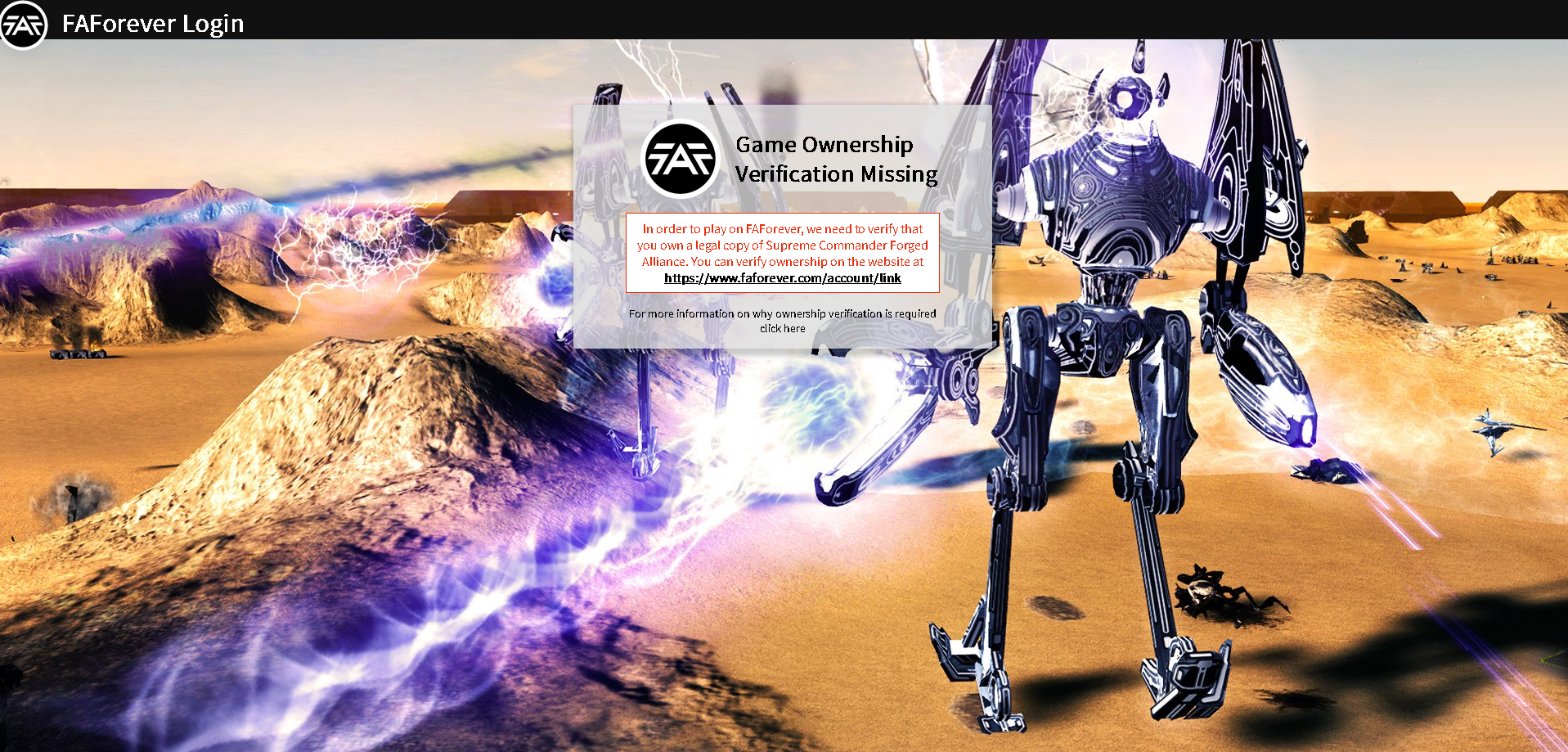
  • Log in error

    5
    1 Votes
    5 Posts
    811 Views
    IndexLibrorumI
    @rachelgomez Why is it that this feels like it's written by ChatGPT? Is it because it is? This is just chatGPT, isn't it?
  • I cant statr FAF

    5
    0 Votes
    5 Posts
    706 Views
    R
    The error message you encountered suggests that there are no redirect URIs provided in the code or configuration. Redirect URIs are important for the OAuth authentication process to redirect the user back to the application after authentication. To resolve this issue, you need to ensure that the redirect URIs are properly set up and configured in your code or application settings. Check the code or configuration related to the OAuth authentication process and make sure that valid redirect URIs are specified. If you are not familiar with the code or configuration related to the OAuth authentication process, it might be helpful to consult the documentation or seek assistance from the developers or support team responsible for the application or library you are using. By providing the necessary redirect URIs, you should be able to resolve the "No redirect uris provided" error and proceed with the authentication process successfully. Regards, Rachel Gomez
  • FAF Client won't open browser to login.

    help issue
    2
    0 Votes
    2 Posts
    263 Views
    maggeM
    @novakore said in FAF Client won't open browser to login.: , The requested operation requires elevation Well, user account has no permission to run it.
  • Matchmaking Loading Issues

    4
    0 Votes
    4 Posts
    711 Views
    R
    Based on the information provided, it is difficult to determine the exact cause of the issue. However, here are some steps you can try to troubleshoot the issue: Check if your computer meets the system requirements for Supreme Commander Forged Alliance (SCFA). If your system doesn't meet the requirements, it could cause the game to crash. Make sure your graphics drivers and DirectX are up to date. Outdated drivers can cause compatibility issues and lead to crashes. Try running the game in compatibility mode for Windows 7 or 8, as some users have reported this has fixed similar issues. Disable any background applications or services that may be interfering with the game. For example, antivirus software or overlay programs like Discord or Steam. Try deleting the game's settings file located in My Documents\My Games\Gas Powered Games\Supreme Commander Forged Alliance. This will reset all of the game's settings Regards, Rachel Gomez
  • Export/Import keybindings

    3
    0 Votes
    3 Posts
    156 Views
    ControlKC
    @angelofd347h Thanks.
  • Русская озвучка брифингов в CO-OP миссиях

    3
    0 Votes
    3 Posts
    220 Views
    D
    Привет, не нашёл способ?
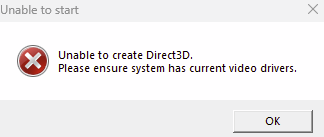
  • Crash at gamestart.(update Graphic drivers)

    9
    1
    0 Votes
    9 Posts
    348 Views
    S
    Hey guys. I found the solution. I only had to force the game to start windowed. In steam rightclick on supreme commander FA --> Properties and write in Startoption : /windowed 1920 1080 ...for HD Resolution. in my case it was: /windowed 5120 1440
  • FaF client keeps freezing

    4
    0 Votes
    4 Posts
    299 Views
    maggeM
    Is your security software interfering? Try to disable it or/and whitelist FAF process/folder. Also, remove the current client.log, then reproduce the error again (if it still persists) and upload the new log - Thanks in advance.
  • Cannot login

    11
    0 Votes
    11 Posts
    765 Views
    N
    @magge it didn't help
  • Lag

    20
    0 Votes
    20 Posts
    2k Views
    S
    @youthenoob The game is peer to peer, however due to the prevalence of NATs sometimes it is not possible for people to get a direct connection. This is what the ice adapter is for. It can choose between either direct connections or using a relay server. We have three coturn up right now including one in Australia that people could potentially use. You can read more about it in this post https://forum.faforever.com/topic/3288/but-what-the-heck-is-the-ice-adapter
  • Sorian cheating AI stopped working

    4
    0 Votes
    4 Posts
    443 Views
    maudlin27M
    @admiralakbar If it's an issue with the Sorian adaptive AI performance more generally (rather than that the non-cheating AI performs far better than the AiX version) then I expect it's just due to flaws with the Sorian AI - try the Adaptive AI which should be a bit better, or one of the custom AI (which are significantly better): https://wiki.faforever.com/en/Custom-AIs I wouldn't have expected LOUD to impact on Sorian's performance in FAF. If there are maps where the AI just flat out doesnt build anything (i.e. early game), then you could post the replay as there's a chance it is something easily fixed, but Sorian AI doesnt have an active developer so there's no guarantee. Another thing to bear in mind if this is mid-late game is that unit caps can mess with the AI, but I'm assuming it's still well below the unit cap.
  • Can't login too... same as below

    5
    1
    1 Votes
    5 Posts
    365 Views
    R
    hi @Brutus5000, problem solved: it was a conflict between my 2 password managers, one of them was still trying to use the old id... you were right ! thanks for your help anyway, and keep up the good work
  • Can't login

    2
    0 Votes
    2 Posts
    136 Views
    K
    restarting my pc solved it....
  • Help with setting up a Survival game

    3
    0 Votes
    3 Posts
    251 Views
    X
    @angelofd347h Thank you very much!!!