The current pre-release of the client ("pioneer" in the version) is only compatible to itself. So you can only play with other testers. Please be aware!
Which tutorial exactly?
I'd recommend using the Terrain002 shader. An explanation how the texture has to be made to give correct results is available here: https://wiki.faforever.com/en/Development/Mapping
There's a pinned message in the FAF Discord in #mapping-general that contains a copy of my brush folder, which includes both brushes that I have made and ones I have collected from others.
@arma473 Ah, thanks! I was missing step 9 since I was too lazy to open the file in a hex editor.
I don't want anyone to go out of their way to really do anything about this. I think I am a pretty fringe case in my desire to play sandbox on generated maps. Thanks for all the info though as it is pretty interesting to know how the map files, lua files, and .scmap files all work together.
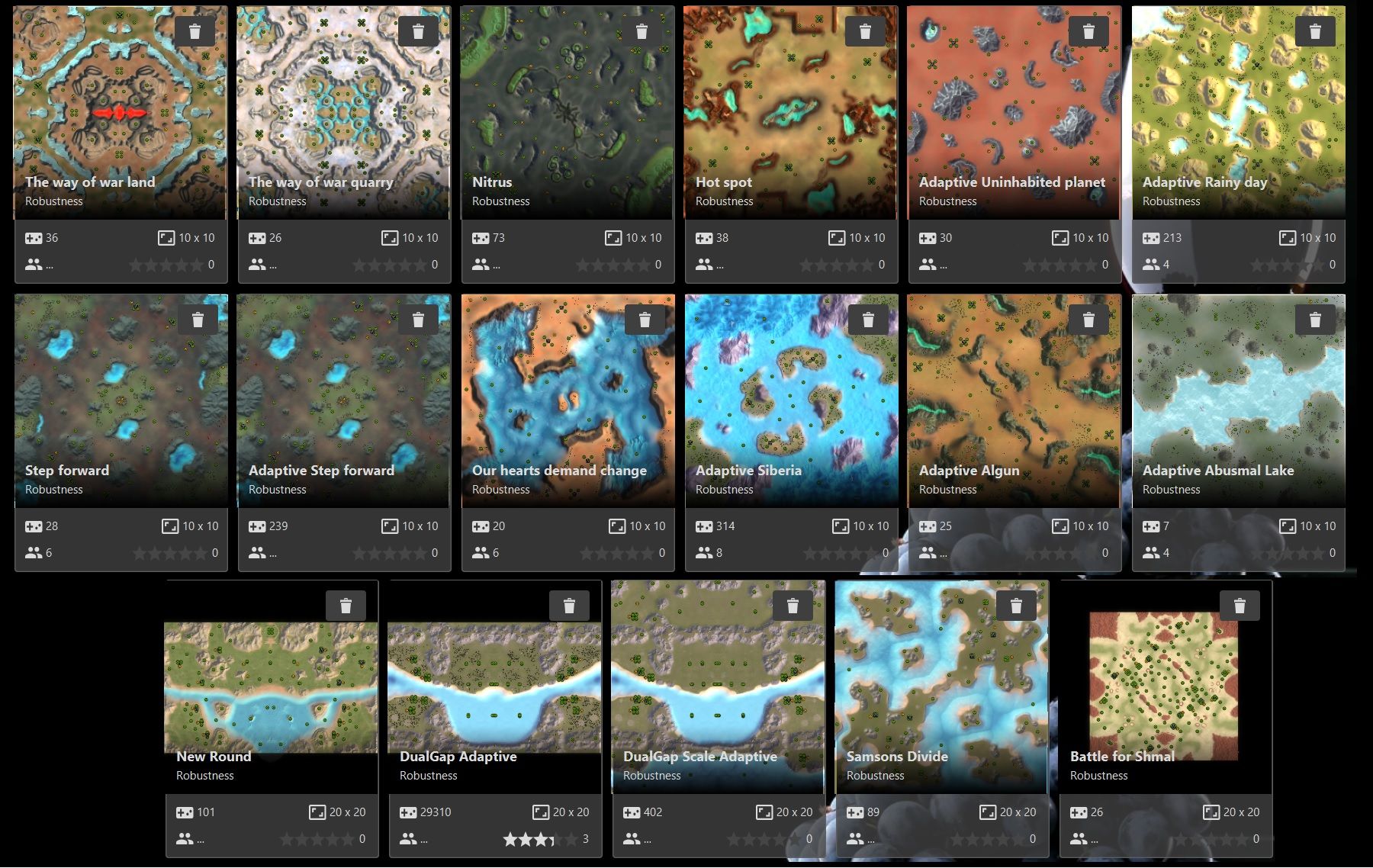
What is needed is a way to add specific seeds to a favorite or 'saved' list. Should allow you to regenerate the map on demand from your personal archive. Add a button for "add latest generated map to your saved maps" and a manual input field for the seed with the same function and you've got a pretty nice feature.
How come some MAPS show Stars on the front page and some only show when you click on the map?
Also I cant read people's comments on the map, it just shows their ratings.....they said they left comments
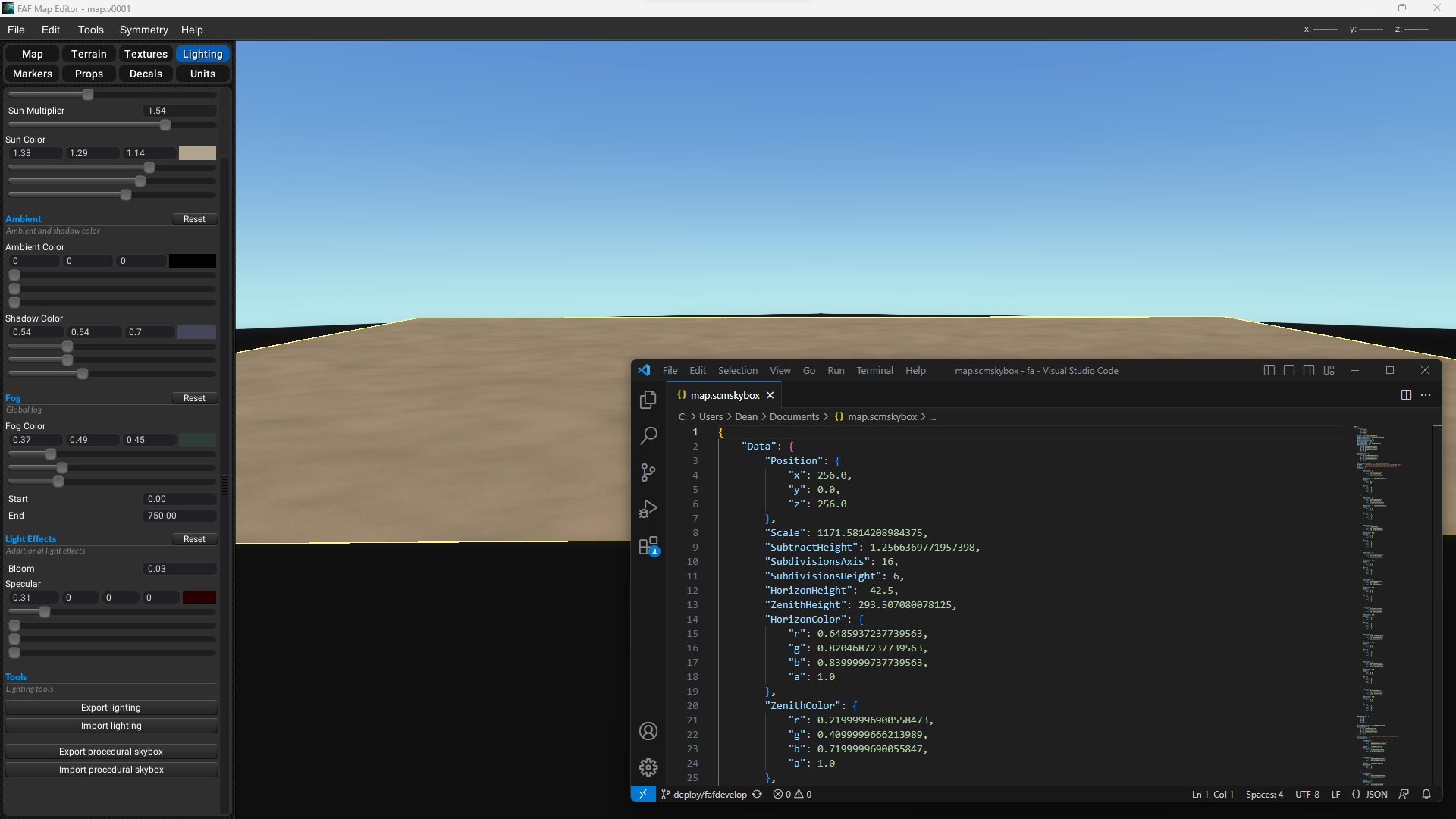
Export the stratum settings, open the file with a text editor, change 256 to 512, save and import the updated settings.
Edit, it's going to look like garbage unless it's an extremely high resolution texture.
A decal is an albedo or normal texture with an alpha mask to hide the square shape. You could theoretically create decals from any regular texture that you can find on these texture websites, but it is some effort.
Roughness textures are used for PBR workflows and currently the map shaders don't support this. (Though I am working on adding this in the future)
But really you should just google how these textures you mentioned are to be used. You will find much more comprehensive explanations online. Sometimes even directly on the texture websites where you saw them
I got some material in my discord threads under the mapping general channel, but here's a selection of stuff I'm thinkign of expanding into maps:
[image: image.png?width=1440&height=611]
[image: 1689611429500-c0410493-800px-wm.png]
[image: 1689611441307-image.png]
[image: 1689611455458-enimmsnvaaaxlca.png]
[image: 1689611475471-quadmech-juan-paulo-mardonez-ice-frontier-001.png]
[image: 1689611481959-89ed73108172707.png]
[image: 1689611495378-image.png]
[image: 1689611512859-image.png]
[image: 1689611543704-image.png]