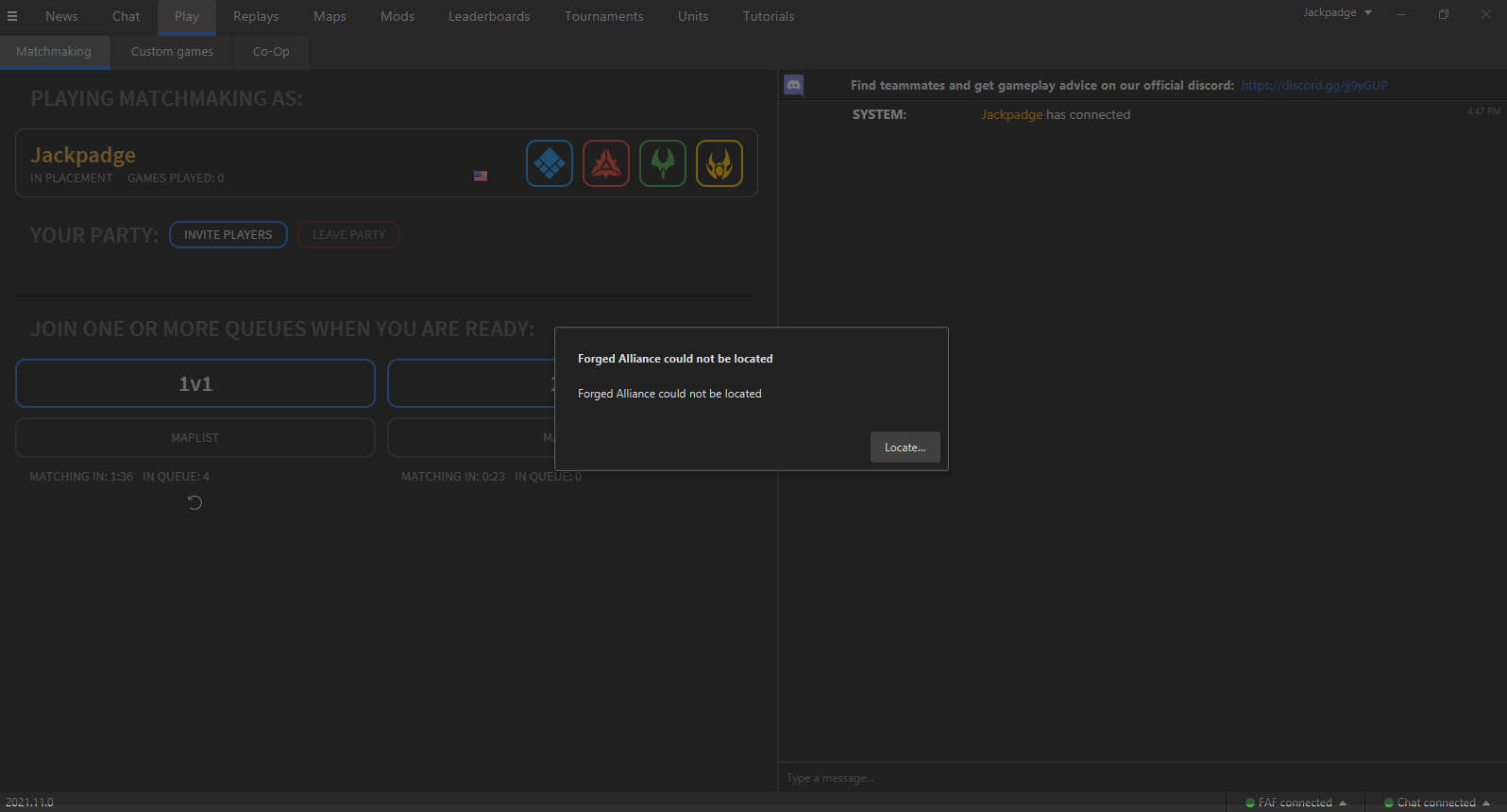
The current pre-release of the client ("pioneer" in the version) is only compatible to itself. So you can only play with other testers. Please be aware!
Das System kann die angegebene Datei nicht finden
The system can not find the stated file
please check your antivirus programm, maybe its deleting the ForgedAlliance.exe.
(disable antivirus and reinstall the FAF client)
You can try doing what it says. Open the start bar and search for “environment variables”, it should bring up a windows settings page where you can add one called EXE4J_JAVA_HOME with a file path to where ever you installed Java, or maybe even the Java directory that comes with the client.
I need help!
Can`t play the game. I have a steam acc and faf acc. But mesage about verification "In order to play on FAForever, we need to verify that you own a legal copy of Supreme Commander Forged Alliance. You can verify ownership on the website at
https://www.faforever.com/account/link"
When I click to link I se not activated window where I cant change anything. What I must to do?
Hello!
After I upgraded to the new version 2021.0.11 I have the same problem - before everything was okay and I could log in without any problems.
I hope you can fix that bug soon- Thanks!
Greetings
John
P.S.: If you still do need more logfiles please contact me- no problem[image: 1638746808800-client.log]