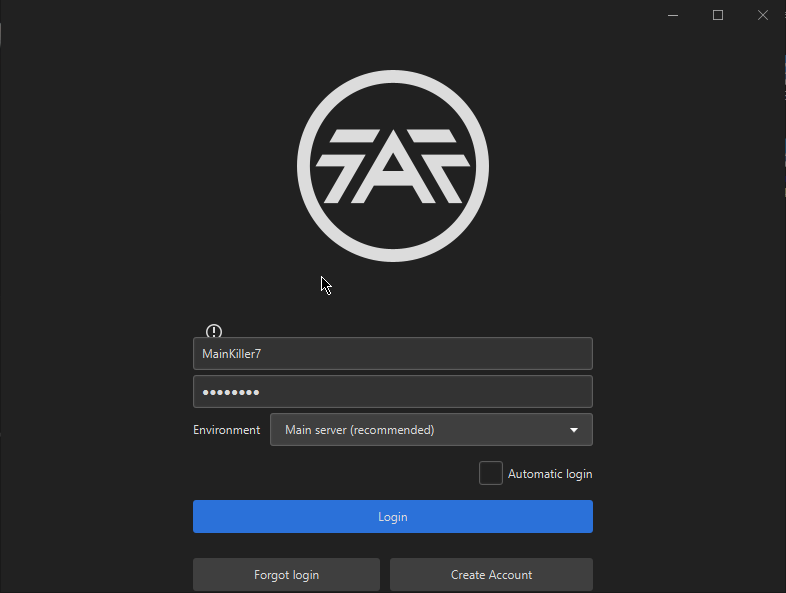
The current pre-release of the client ("pioneer" in the version) is only compatible to itself. So you can only play with other testers. Please be aware!
It looks like it crashed at the moment I pressed "m" for upgrading 4 mexes to T2. I selected them with supreme economy ui mod and then I pressed "m" to start the upgrade..
idk where i should report bad rating change atm. but im gonna post here.
https://replay.faforever.com/12787548
i ctrl+k my ACU, then opponent ACU died. i got rating as if it was win for me.
Awesome, thanks. I was looking in the forum settings. FYI, the error for changing to an already-registered email may need a better user-facing message:
Error! could not execute statement; SQL [n/a]; constraint [unique_email]; nested exception is org.hibernate.exception.ConstraintViolationException: could not execute statement
We certainly need to have more info on this? What does it say if you log in? Does it give an error? Provide the client log. Have you linked your account to Steam?
@Brutus5000 that's why I want a how to get started so I can link him that FAQ post....
It seems like that was the issue, though I don't know why.
I fixed it by going into FAF settings and ticking Vault Fallback Location.
Rebooting my PC, updating FAF to latest, updating graphics drivers, updating Java and reinstalling FAF (though not redownloading everything) - none of this worked.
Please check that this folder exists and actually contains your Forged Alliance installation:
C:\Program Files (x86)\Steam\steamapps\common\Supreme Commander Forged Alliance
@axel12 Removed the fix from 1.2.0 and installed the fixed installer, still works, so looks like that solves the issue for me at least.
[image: 1601126071945-4f6d6b2f-d186-452e-869b-be1909ecad56-image.png]