[MOD UI] Enemy Tagger
-
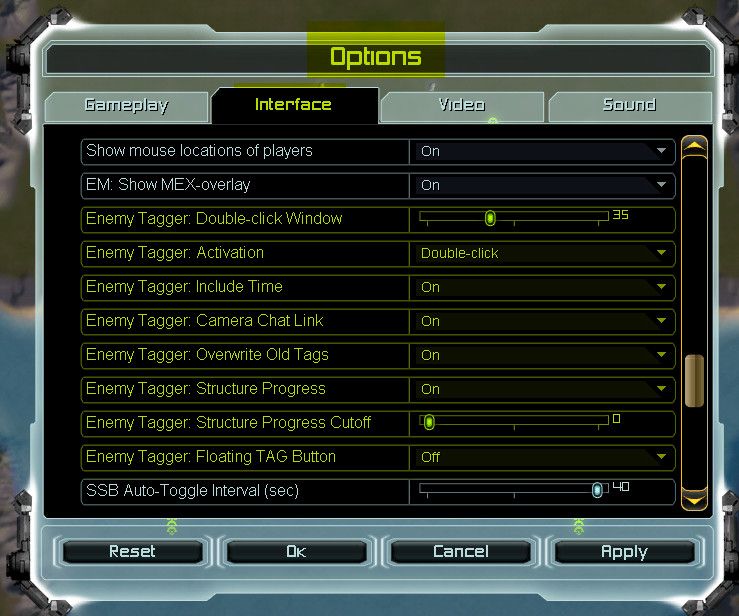
Works like charm. Personally, I dislike the on-screen menu a lot though. Would be great to include it to the regular one, or make it a base game feature right away so you just have it somewhere in the settings / hotkeys.
-
A very cool mod! Thank you!
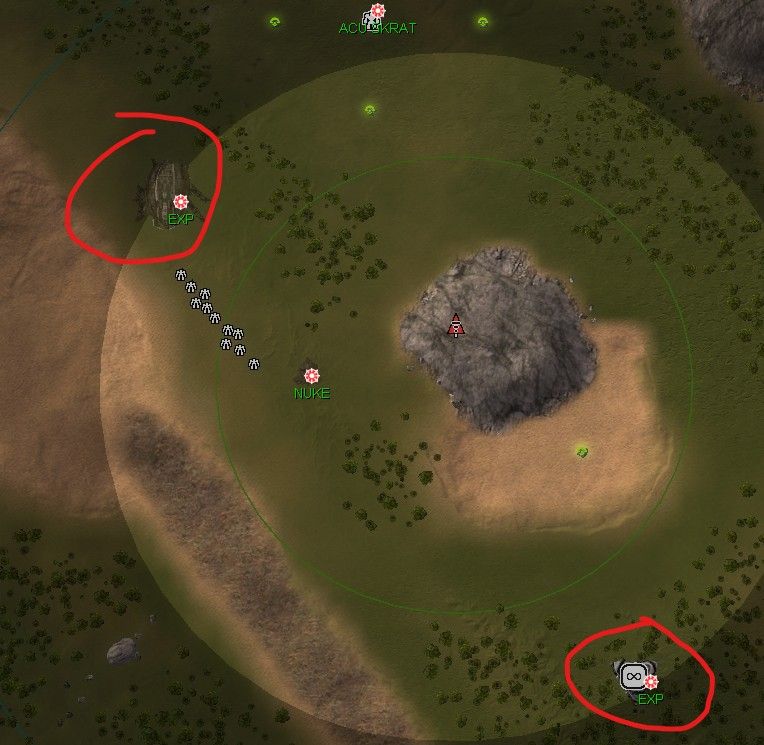
Is it possible to make the mod indicate which exactly EXP was scouted?
-
And is it possible to add a mark to reclaim? And configure it so that it can be added only to a large racliam (from 1.5 to mass, for example)
-
Thanks for the feedback!
@wilson_ Integrating the mod into the base game is something that could be considered. The little time-savings really add up over time. I am also not a fan of adding more clutter to the UI.
@skrat I double-checked; they are getting tagged correctly. My guess is that the mouse-hover did not resolve the name of the T4 unit due to partially fog / limited intel. When the mod (your mouse hover) cant resolve the name of the T4 unit then it will fall back to just EXP. If you can clearly see the EXP's name and HP, but it still gets tagged only as EXP, then please tell me the replayID and time.
Reclaim is unfortunately not taggable that way, because it cannot be selected directly. But I will look into it, if there is another solution.
-
I can see the use case for this just to make things easier for the player. But for what reason did you make your own panel to configure this? Isnt that what ui mod options are for? Would also make it more consistent with other mods (not all mods, but most of them) that all settings are in the mod options and not via a separate panel.
-
It deffo falls back to the unit class if partially covered in fog.
Would be great to have the option to also display progress on t4 units at the time of scouting. -
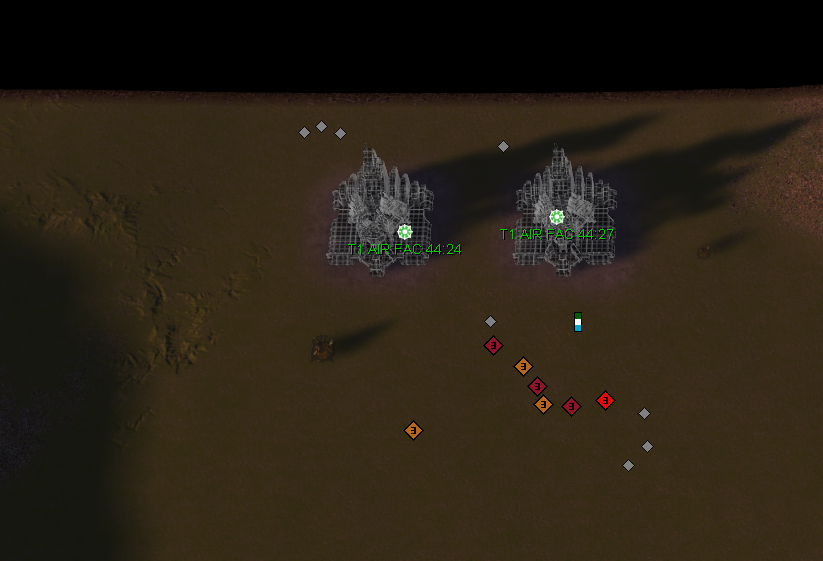
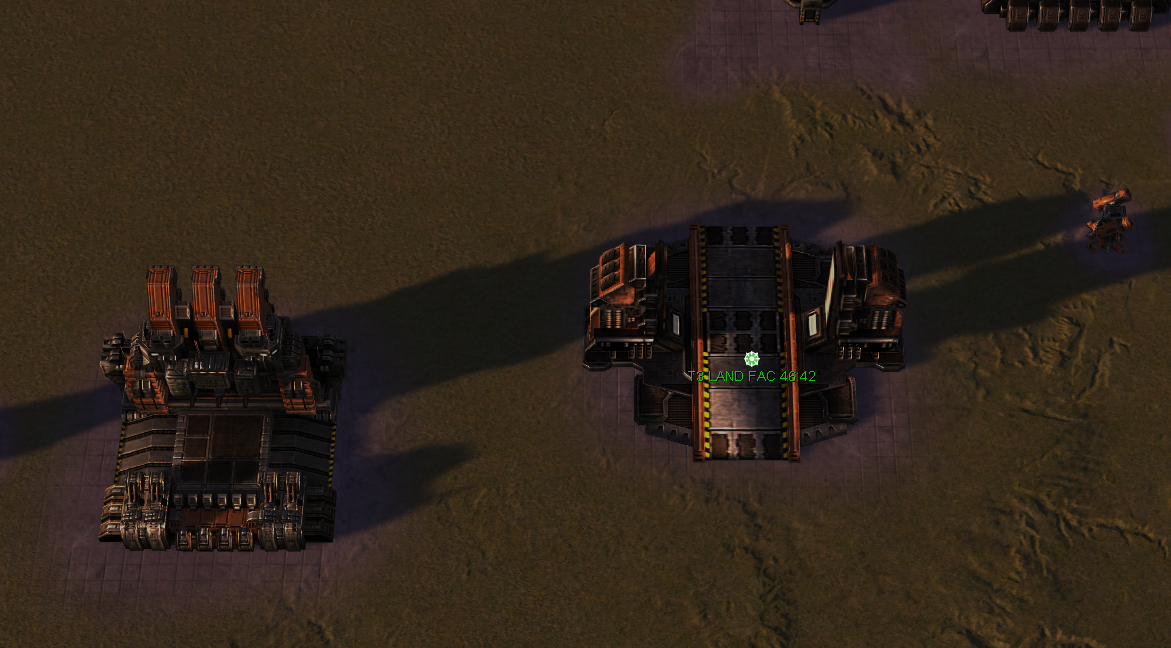
found some "minor" issues.
-
-
@magge #27261594 start at 1:28
Hmm, I also checked again. On this replay, I can clearly see the unit's name and health with the help of t3 scouts. But the mark still indicates only EXP (and for the fatboy, it doesn't even indicate % readiness).
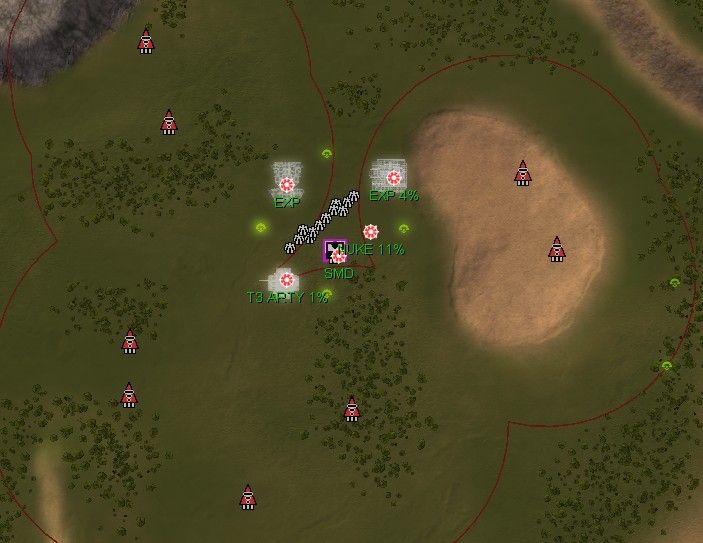
#27256500 at 1:00
On this replay, I checked with T3 Perimeter Monitoring System and
Eye of Rhianne. The result was the same. There is no recognition of the EXP type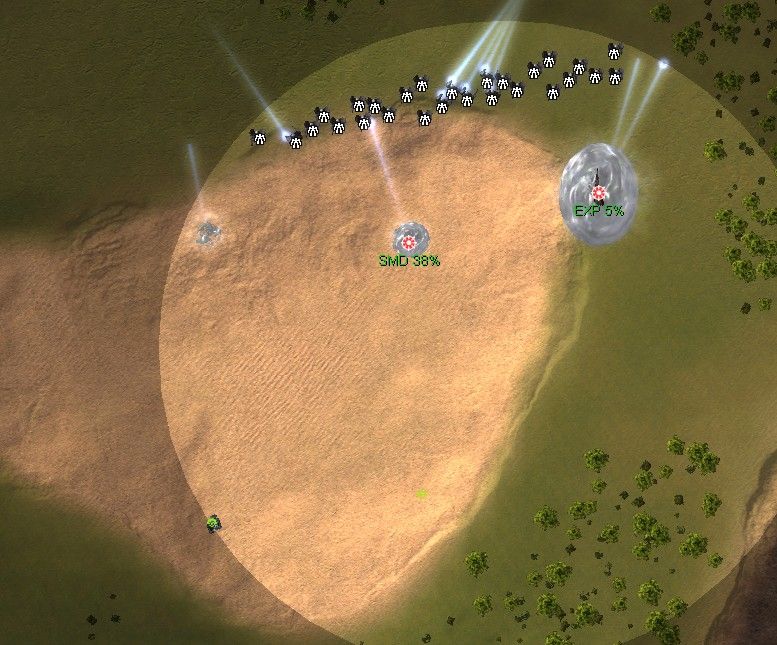
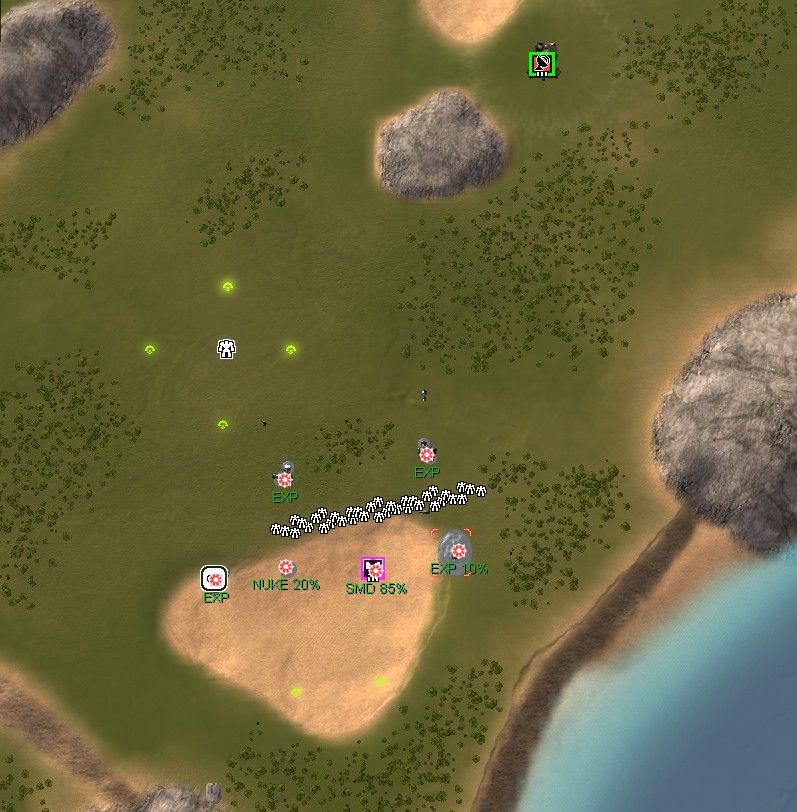
Anyway, I want to thank you again for the mod! Even without specifying the EXP type, it is very convenient and useful to use.
-
@skrat Thanks! Fixed, verified and v3 uploaded.
Edit2: v4 - Added camera coordinates (customizable)
Edit3: v5 - Fixed frigates, sonar, and Nomads AA.
Edit4: v6 - Added auto-overwrite for old Enemy Tagger markers when FAF's 15 marker limit is reached. (customizable)
Edit5: v7 - SACU preset tagging, tiered transport tags
Edit6: v8 - More unit-specific tags, shield tiers, and SACU clean-up.
-
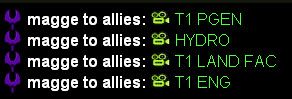
Finally I can accurately give everyone in my team the location of all enemy t1 engineers
-
Might be useful, especially when playing against this rust orange guy who's known for his drops.
-





Hello! It looks like you're interested in this conversation, but you don't have an account yet.
Getting fed up of having to scroll through the same posts each visit? When you register for an account, you'll always come back to exactly where you were before, and choose to be notified of new replies (either via email, or push notification). You'll also be able to save bookmarks and upvote posts to show your appreciation to other community members.
With your input, this post could be even better 💗
Register Login