How to add a logo to a mod?
-
Hi everyone,
I'm having an issue with my mod icon on the FAF mod vault.
I added the
iconfield to mymod_info.lua, but the icon still doesn't show up on the FAF mods page.name = "NextUI.Icons" uid = "b36f7a42-7d65-4b9b-a4f3-6b8e3f1c2d90" version = 1 author = "wolfred" description = "NextUI strategic icons and upgrade-state overlays. You can find full project information at: https://github.com/NextUI-FAF/Icons/" icon = "/mods/Icons/icon.png" ...I've already verified that:
- The path is correct.
- The file exists.
- I compared my configuration with other mods that display their icons correctly, and it looks the same.
- I tested it on both Linux and Windows with the same result.
Here's the evidence:
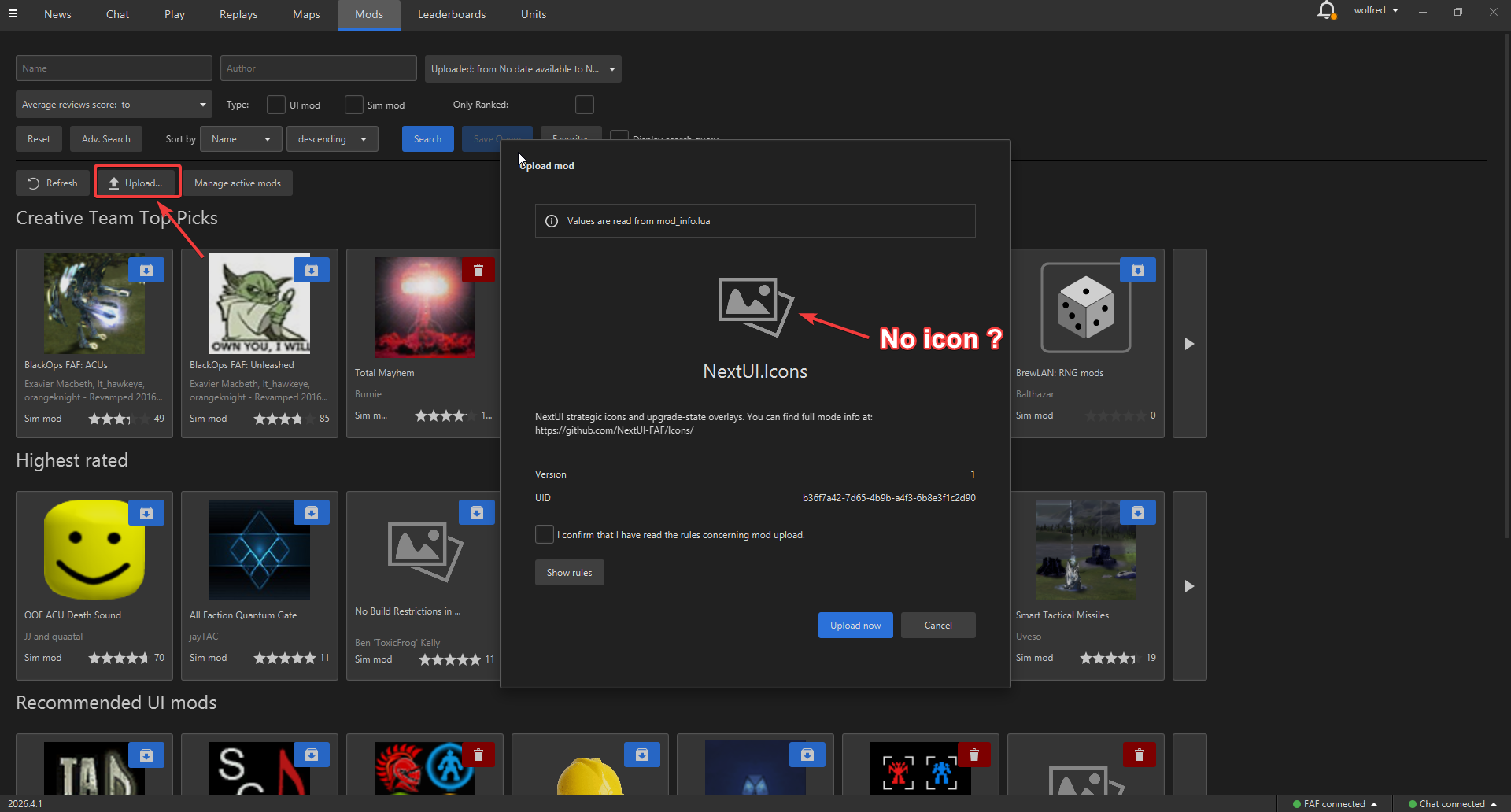
The icon file is located at:
C:\Users\fred_\Documents\My Games\Gas Powered Games\Supreme Commander Forged Alliance\mods\Icons\icon.pngAm I missing something? Is there anything else that needs to be configured for the icon to appear on the FAF mod vault?
-
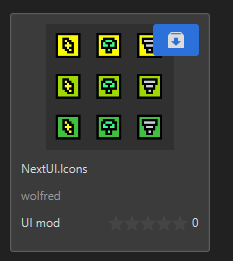
Might be a client bug. The icon appears in the vault screen for me:
-
The upload mod window does not display the icon, because it seems to be bugged. However, the icon will appear in the
Modstab afterwards.The next logical step toward getting this fixed would be to raise an issue on the GitHub repository.

Hello! It looks like you're interested in this conversation, but you don't have an account yet.
Getting fed up of having to scroll through the same posts each visit? When you register for an account, you'll always come back to exactly where you were before, and choose to be notified of new replies (either via email, or push notification). You'll also be able to save bookmarks and upvote posts to show your appreciation to other community members.
With your input, this post could be even better 💗
Register Login