Crash Report Help Needed: "bad allocation" Error
-
The kind of crash you are describing is more consistent with something doing something illegal, rather than an out of memory error. Out of memory almost always will just dump you out to the desktop.
-
Hi everyone,
After extensive testing, I’ve encountered a consistent freeze during games in FAF, accompanied by the same "bad allocation" error in the logs. Despite disabling various mods one at a time, the freeze persists no matter which mods I remove. This leads me to conclude that the issue might be related to the sheer number of mods I'm running, rather than any single one of them being at fault.
That said, I’d really prefer not to remove my mods altogether. Is there a solution to increase the game's memory capacity to handle this? I’ve already tried using a 4GB patch, but it seems incompatible with FAF.
Does anyone have advice or experience with managing large mod loads and memory limits in FAF? Are there any alternative solutions to enhance memory allocation or optimize performance for heavily modded setups?
Thanks in advance for your help.
-
FAF's already incorporated adjustments to allow more momory, but my understanding (from others who understand things like this better than me) is that the garbage collector used by FA.exe can temporarily require very large amounts of memory, meaning if the game goes over 2GB there is a significant risk of it crashing due to this.
As such, while FAF doesnt immediately crash when 2gb is hit, it may crash soon after.Memory can be reduced by reducing mods, player counts (e.g. in the case of AI games), unit counts, unit variety (e.g. playing with everyone as the same faction uses less memory than having all factions in play), smaller maps.
-
Another point to check is you're using the latest versions of the mods in case there was an error that's been fixed (e.g. checking the log, the version of M28 used was v142- so a decent chance the errors relating to M28 were resolved in a more recent update, although I'll add a couple of redundancies in the upcoming release for the specific error message).
-
DXVK (DirectX Vulkan Wrapper) can indeed alleviate memory overflow issues in certain games by optimizing memory management and resource loading strategies, particularly when running 32-bit applications on the Windows platform, where the effect is particularly noticeable.
- Download and unpack the d3d9.dll file from the x32 directory in the DXVK archive.
- Simply place d3d9.dll in the same directory as ForgedAlliance.exe.
doitsujin/dxvk#Public#Version 2.7.1
https://github.com/doitsujin/dxvk/releases -
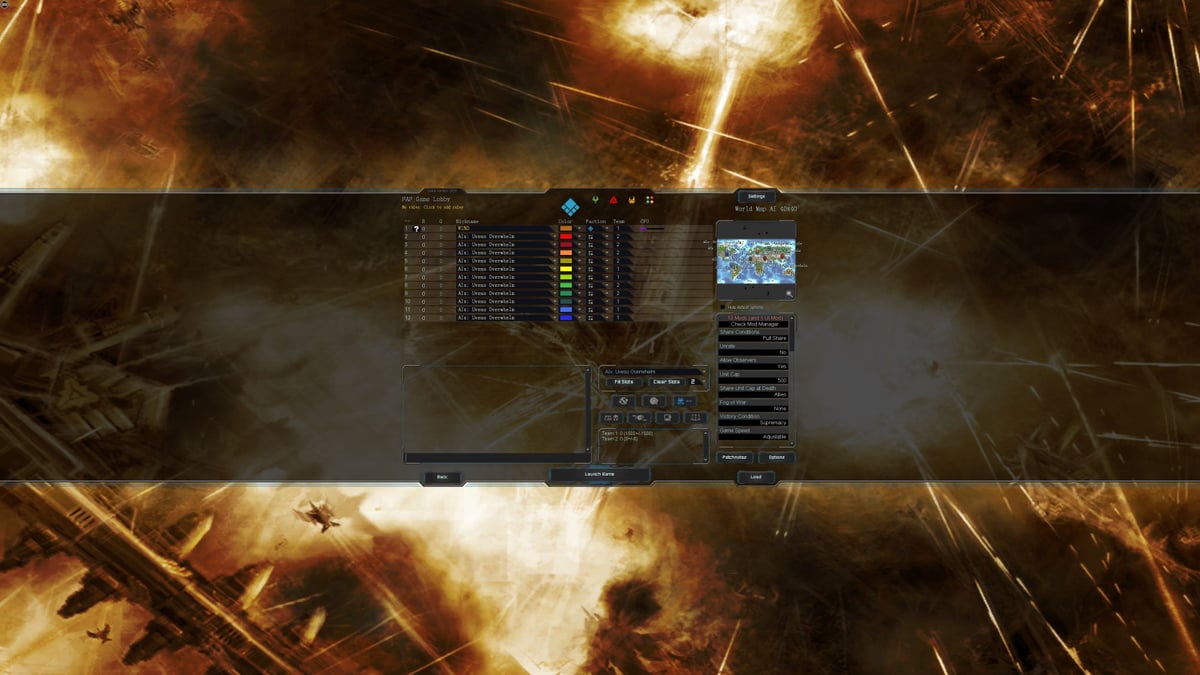
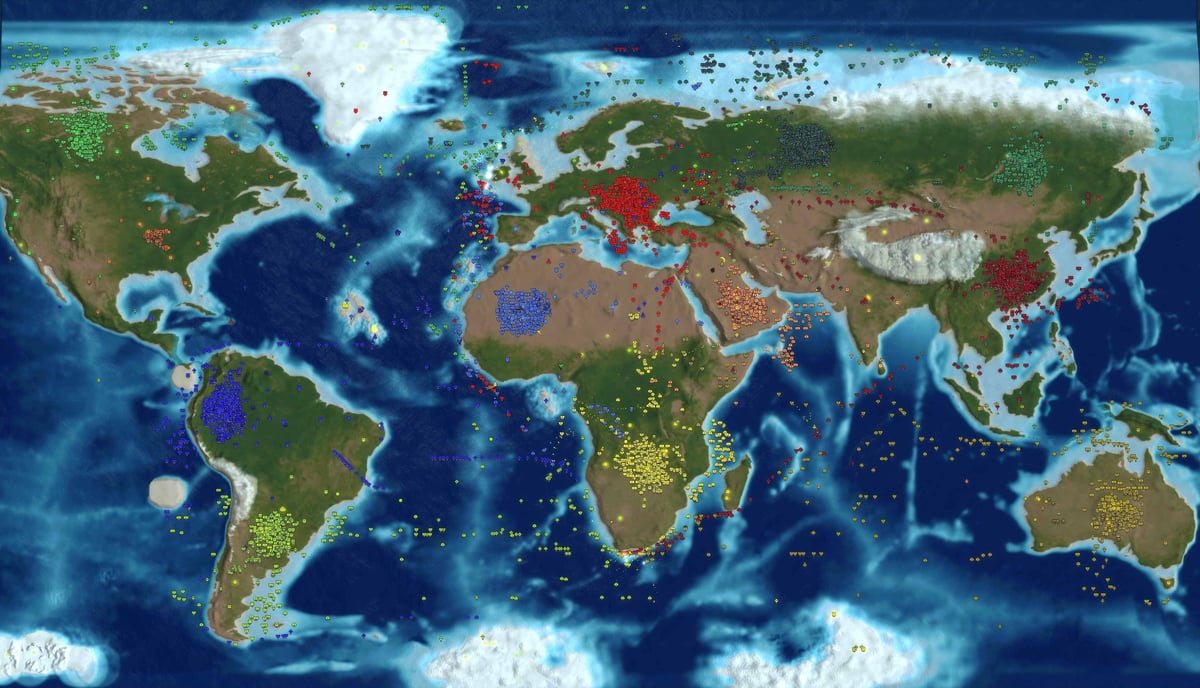
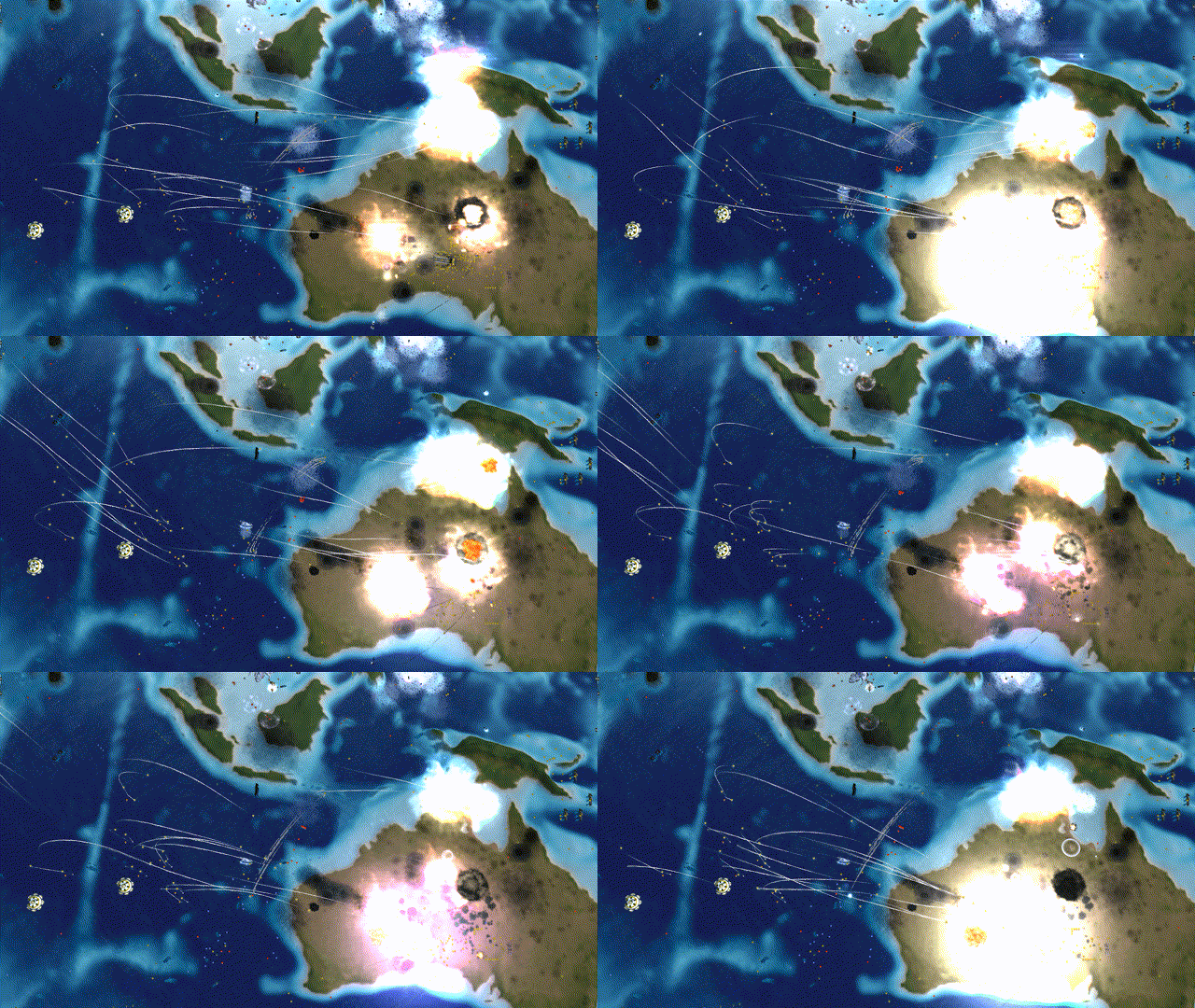
When loading more than ten mods,the 40km map can be completed smoothly with DXVK on my pc, but the 80km map usually crash.


-
-
I believe the core issue is the extremely large map in combination with the ton of custom units, other mods and AI. SC can only manage ≈ 3.5 GB memory. When it tries to allocate more, it will crash. This becomes more likely the longer the game goes on.
DXVK may help with GPU performance issue, but will not change the memory limit.
You could try the LOUD project, they focus on making it playable on extremely large maps with many units. There are still limitations, but worth a try.
-
@magge Thanks.
1.Based on my personal experience with DXVK, I still insist that DXVK can indeed alleviate memory overflow issues. Welcome everyone to try it out.
INFO: Sim crashed hard in DoSimBeat(): bad allocation
DEBUG: Session time: 00:35:31 Game time: 00:17:54 Heap: -1.360G / 1.519G2.LOUD project is very good. It seems to have its own compatible mod ecosystem. I have tried LOUD's latest v7.32, and I still feel more comfortable playing in FAF.
-
I play 40 x 40 maps often and we do get some strange things happen after 5 hours real time. Worst case is when a human player's machine has an exception error, his game locks up, times out. He ends up back at windows, game can continue without him although we usually shut it down. Our game logs are big say 6mb to 9mb due to constant warnings.
like ...
warning: Error running lua script: ...mander forged alliance\mods\m28ai\lua\ai\m28navy.lua(7365): access to nonexistent global variable "refCategoryNavalFactory"
stack traceback:
[C]: in functionerror' ...ata\faforever\gamedata\lua.nx2\lua\system\config.lua(58): in function <...ata\faforever\gamedata\lua.nx2\lua\system\config.lua:57> ...mander forged alliance\mods\m28ai\lua\ai\m28navy.lua(7365): in functionManageSACUsInWaterZone'
...mander forged alliance\mods\m28ai\lua\ai\m28navy.lua(2004): in function <...mander forged alliance\mods\m28ai\lua\ai\m28navy.lua:1605>
and ...
warning: Error running OnAdjacentTo script in Entity ueb3104 at 5df06d08: ...ver\gamedata\lua.nx2\lua\sim\units\structureunit.lua(785): table index is nil
stack traceback:
...ver\gamedata\lua.nx2\lua\sim\units\structureunit.lua(785): in function <...ver\gamedata\lua.nx2\lua\sim\units\structureunit.lua:774>Also after about 4 hours the game time gets mixed up.
Real time 5hr 14m .... Game time 3m25sAnyway we are loving the game and it is very rare that we have someone crash.

Hello! It looks like you're interested in this conversation, but you don't have an account yet.
Getting fed up of having to scroll through the same posts each visit? When you register for an account, you'll always come back to exactly where you were before, and choose to be notified of new replies (either via email, or push notification). You'll also be able to save bookmarks and upvote posts to show your appreciation to other community members.
With your input, this post could be even better 💗
Register Login