FAF client doesn't seem to start at all / unable to log in.
-
Hi. I am stuck on this (screenshot):
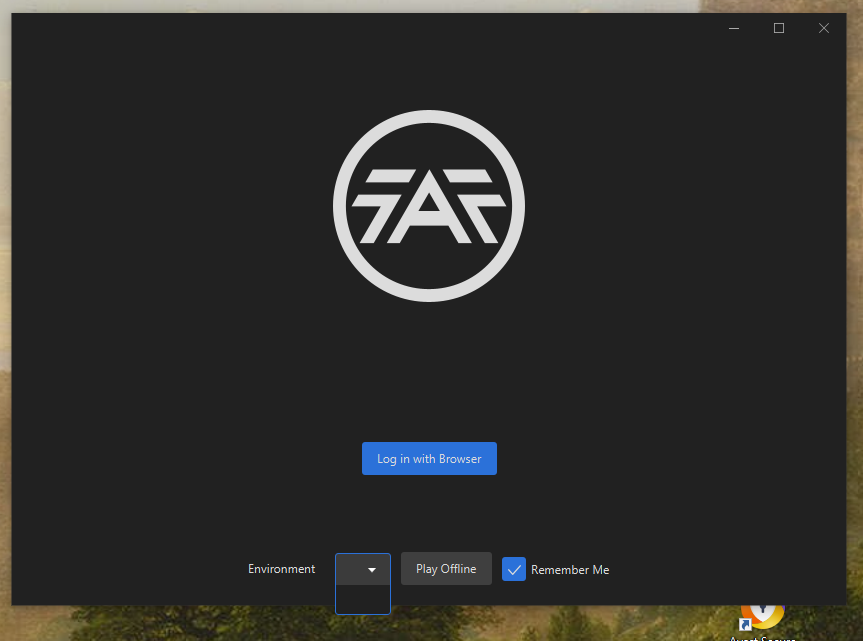
When I click on "Log in with Browser", nothing happens. The "Environment" dropdown is empty. When I click on Play offline, the SCFA ingame menu appears, I can go into Campaign mode, but when I launch a map there, the game crashes and a popup appears (second screenshot)
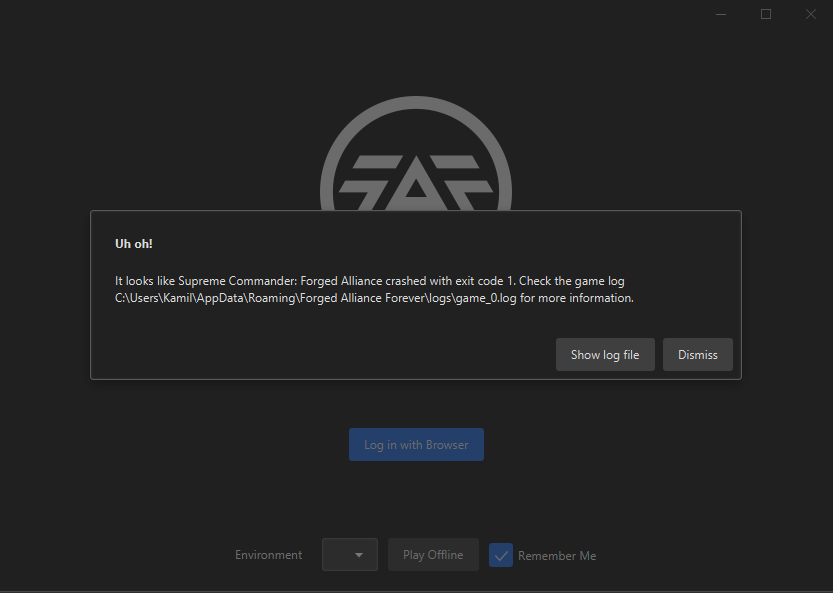
Logs attached. dfacc71c-b6f5-48fc-81bd-12427bf5a4f8-client.log 3883a50e-d4ba-4935-98a3-538ade520481-client.log.2024-12-15.0.log 5ca6a1ee-1466-4c3f-b87b-f2a5b90af187-game_0.log
Could anyone help me? I have no Idea what to do. I am on Windows 10, Chrome. Tried completely disabling antivirus / firewall, tried to switch default browser to Firefox, then Edge (thinking it'd let me login with Browser maybe? It didn't). The SCFA is running in my Steam app when I launch the FAF client, but I can't get past this intro screen. The FAF client version is v2024.10.0
-
Which security software?
Do you have the latest W10 updates?
Which language is default for your OS?
Does your windows' username, or does any path to FAF/SC contain Cyrillic chars?Edit: I believe I see the "Avast" icon - if you use that security, try uninstalling it and try again.

Hello! It looks like you're interested in this conversation, but you don't have an account yet.
Getting fed up of having to scroll through the same posts each visit? When you register for an account, you'll always come back to exactly where you were before, and choose to be notified of new replies (either via email, or push notification). You'll also be able to save bookmarks and upvote posts to show your appreciation to other community members.
With your input, this post could be even better 💗
Register Login