launching faf client will create new windows user WTF???
-
I reinstalled my windows. After reinstallation, my account name became separate.
old is - EshkinCat
new is - Eshkin CatWhen you run a newly installed faf, the client creates a new user folder on the system drive.
and does not use the profile that was originally created by me.
faf should create files and folders for its work in Eshkin Cat, but instead faf creates a nearby EshkinCat folder and places its files and folders there...How to fix this problem?
Why do I need a new user folder lol???onedrive separated from ssystem
win sync disabled
My profile is administrator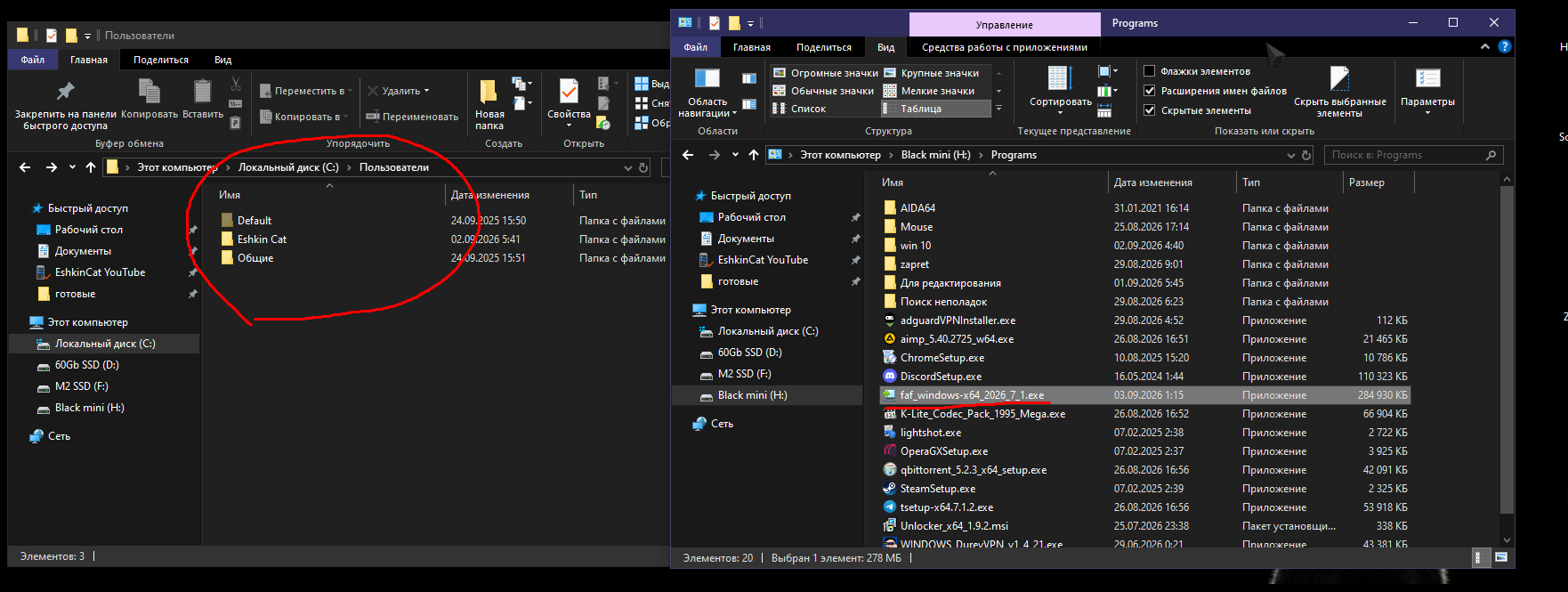
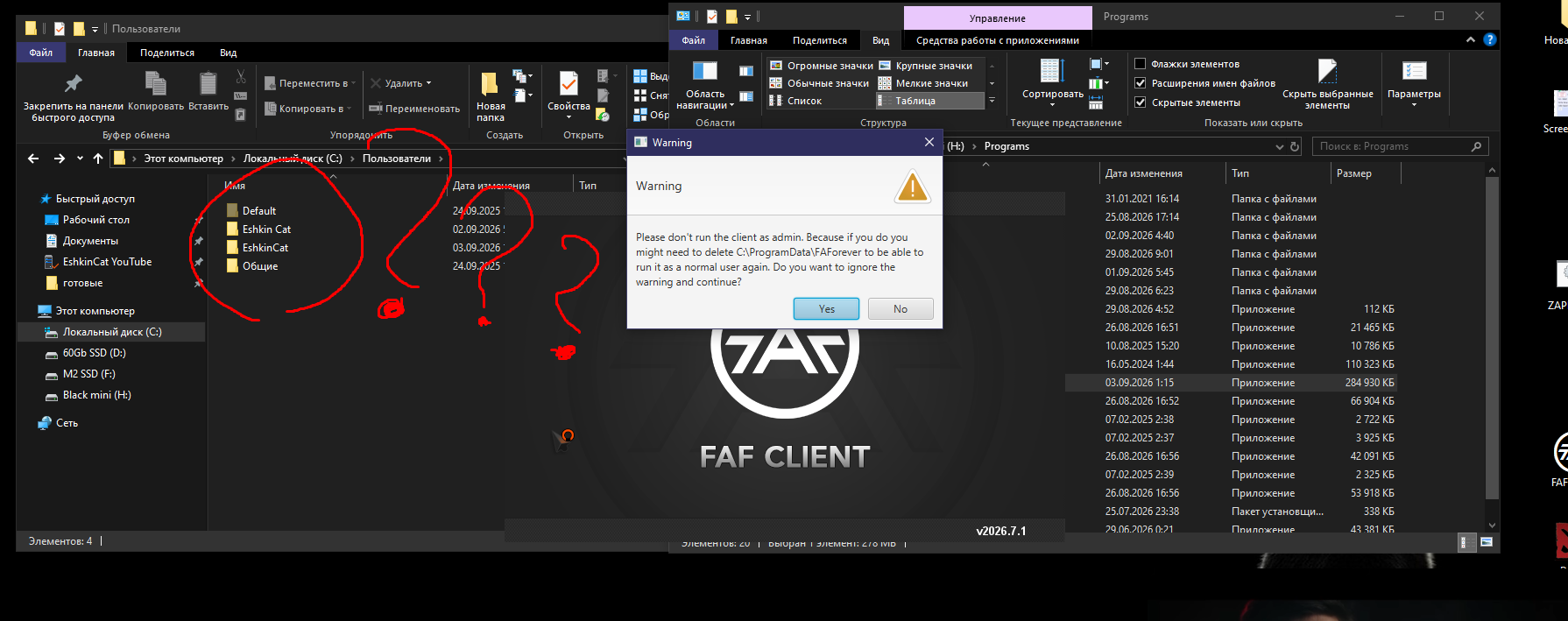
-
i can comment on that "run as administrator warning"
if you have UAC off you will get false warining about running client as administratorIt does looks extremely weird
what is even inside the new folder?
usually FAF uses mostly programdata anyway
placing a space in the middle of the username is just so random, i can't beleave that FAF is doing thatEdit: you can also check owner of new folder just in case...
also old folder and new folder might be switched arond? are you suer that EshkinCat is old and Eshkin Cat is new? -
does it create new user or just new folder in users?
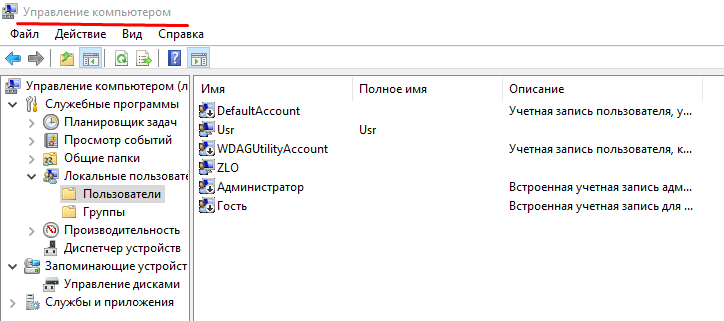
can open that with compmgmt.msc in cmd -
Perhaps the Cyrillic characters caused an exception or random bug.
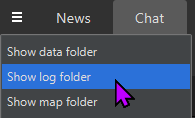
Can you share your
client.log, please? You can navigate to it via the FAF Client:

Hello! It looks like you're interested in this conversation, but you don't have an account yet.
Getting fed up of having to scroll through the same posts each visit? When you register for an account, you'll always come back to exactly where you were before, and choose to be notified of new replies (either via email, or push notification). You'll also be able to save bookmarks and upvote posts to show your appreciation to other community members.
With your input, this post could be even better 💗
Register Login