@magge I reinstalled everything, set all exceptions in defender/firewall and now its working 80% of the time, only in matchmaking it fails occasionaly  thanks for your time and support.
The current pre-release of the client ("pioneer" in the version) is only compatible to itself. So you can only play with other testers. Please be aware!
R
Offline
Posts
-
RE: Game connection issues - step 9 nothing works!
-
RE: Game connection issues - step 9 nothing works!
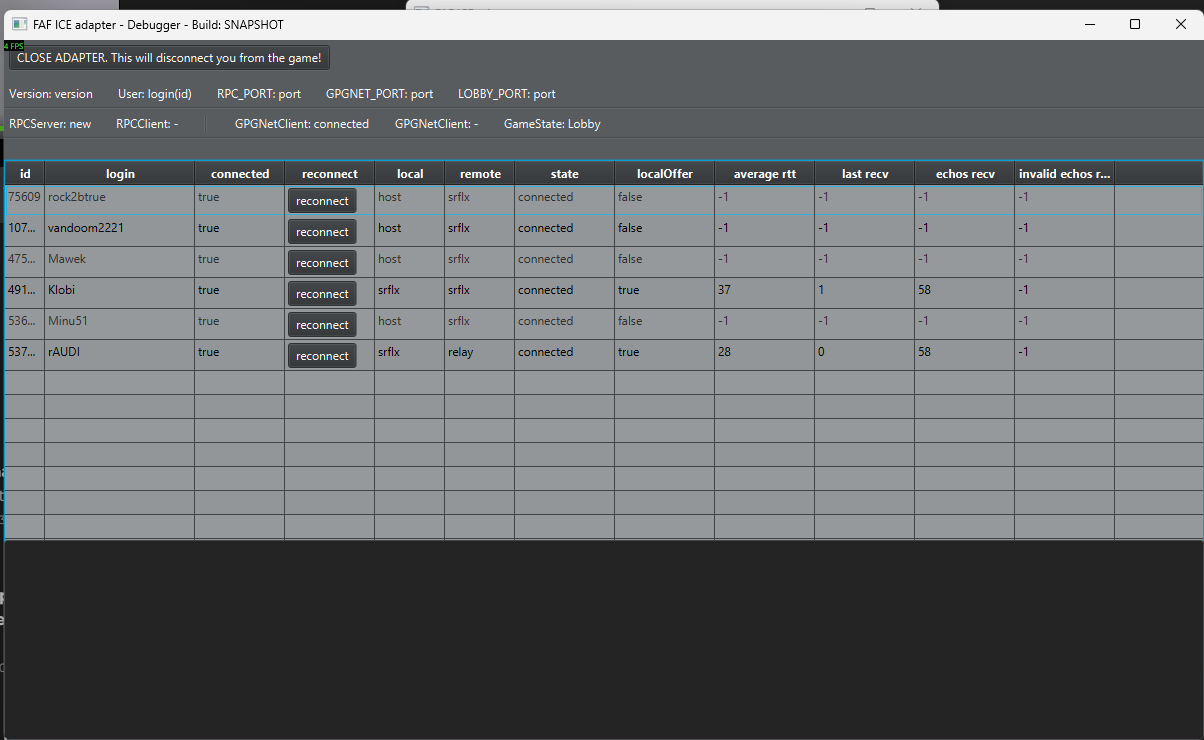
Yesterday i joined a 4v4 game in custom games instantly no issues, so today i tried matchmaking again but was unable to even establish any connection to 1 person as you can see in the debugger which only shows 6 out of 7 players. This time i was using the VPN btw.
Is there anything you can get out of this information perhaps?
-
RE: Game connection issues - step 9 nothing works!
@magge and thank you for the help so far!
Thats unfortunate but i'll put some more effort into playing with the network settings. I will also try to reinstall everything because im unsure what the settings are right now, maybe i made it worse... and you're right, those are all server based games so i suspect the issue is indeed in the p2p traffic as in some cases i can start without any issues. There must be a common denominator.
Is there a way to see what countries i'm connecting to if I play via matchmaking?
Do you perhaps have a suggestion for a country to set the VPN to? It takes time to even find a match so i can only try so many vpn locations in an evening.
-
RE: Game connection issues - step 9 nothing works!
Today I tried to connect to 5 or 6 matches but all failed, other days i can play 1 for every 2 or 3 failing.
I don't know about the nationalities tbh, how can I check? I play via the matchmaking, not custom games.
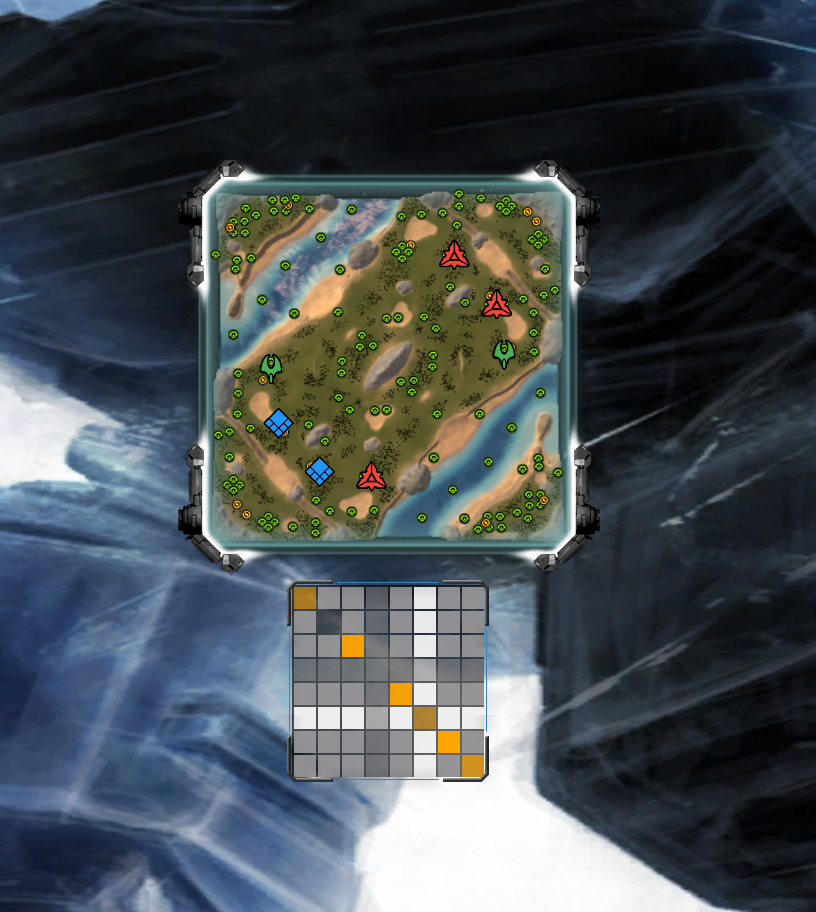
Usually during the loading when you see that screen with the squares indicating connection, one square doesn't even show up. Others are commonly green, some yellow. And rarely a games doesn't start even though al squares are visible, but obviously not all green. When a game does start its often very quickly, like just 10 seconds. And sometimes its waiting for one yellow square for 20 seconds or so and then finally connects/starts.
Generally games go without issue for me when started. I had some other people disconnect in 3v3 or 4v4 matches but I always stayed connected.
-
RE: Game connection issues - step 9 nothing works!
@magge correct, i used NordVPN (not on the logging i just provided though) but same problem...
Also turned off my routers firewall and turned on ping via WAN but no difference. During this test I had everything turned back to normal as there was no effect.
-
RE: Game connection issues - step 9 nothing works!
What is your OS?
Windows 11 x64What is your security software?
Windows protector and firewall, set exceptions in both for FAFclient and supcomfaWhat is your network environment?
Not sure what you mean by this? Im on a wired network in my home on a TP link router. Speedtest is 150mbs, stable with low ping/latency. No issues with other online gamesWhat country are you from?
Netherlands -
Game connection issues - step 9 nothing works!
Hi all,
I am having issues with connecting to games... sometimes i can get trough in seconds but more often i can't connect to 1 or 2 players. I have followed the steps from the forum (https://forum.faforever.com/topic/8579/how-to-fix-connection-issues-in-faf-client-and-supreme-commander) but unfortunately no success.
Now i ended up at step 9 nothing works. I attached the data mentioned there, please someone help :') i just want to play and not bother other people with failure to connect.
(not sure if i should cover the ip adresses in the WinMTR pic but i saw it done on the forum hence i do it aswell)
Thanks
Put everything in a zip because i was only allowed to upload 3 files (client log, ice adapter log, advanced ice adapter log, game log and the WinMTR results)
FYI - this game i got to a green or yellow connection to everyone, usually i at least one player does not even show up as a colored square (no clue what to call it so ill just name it based on what it looks like)
advanced-ice-adapter.log.2025-12-01.zip