FAForever Forums
    • Categories
    • Recent
    • Tags
    • Popular
    • Users
    • Groups
    • Login
    The current pre-release of the client ("pioneer" in the version) is only compatible to itself. So you can only play with other testers. Please be aware!

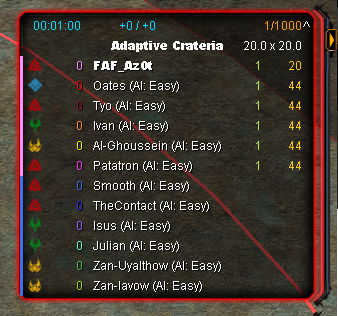
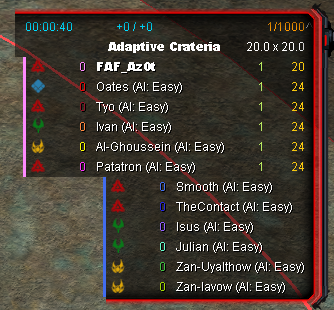
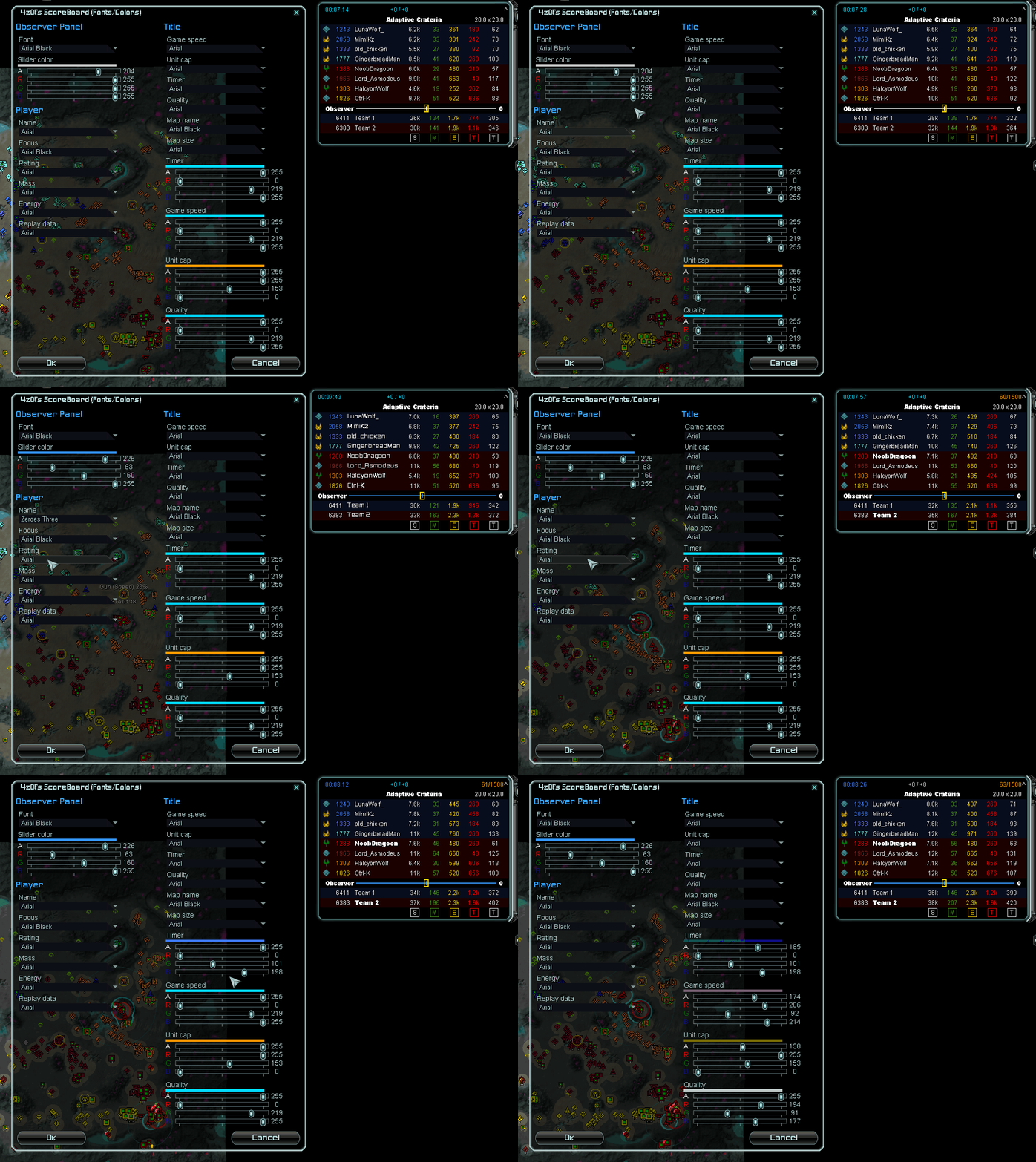
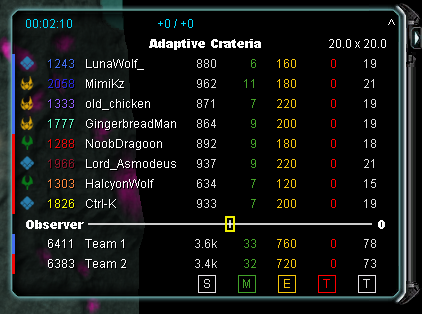
    4z0t's ScoreBoard

    Scheduled Pinned Locked Moved Modding & Tools
    102 Posts 31 Posters 201.0k Views
    Loading More Posts
    • Oldest to Newest
    • Newest to Oldest
    • Most Votes
    Reply
    • Reply as topic
    Log in to reply
    This topic has been deleted. Only users with topic management privileges can see it.
    • LLIALLIJIbIKL Offline
      LLIALLIJIbIK
      last edited by

      Version 15:

      • Fix scoreboard layout on scale

      “Be a yardstick of quality. Some people aren’t used to an environment where excellence is expected.”
      — Steve Jobs.
      My UI Mods
      Support me

      1 Reply Last reply Reply Quote 0
      • NuggetsN Offline
        Nuggets FAF Association Board
        last edited by Nuggets

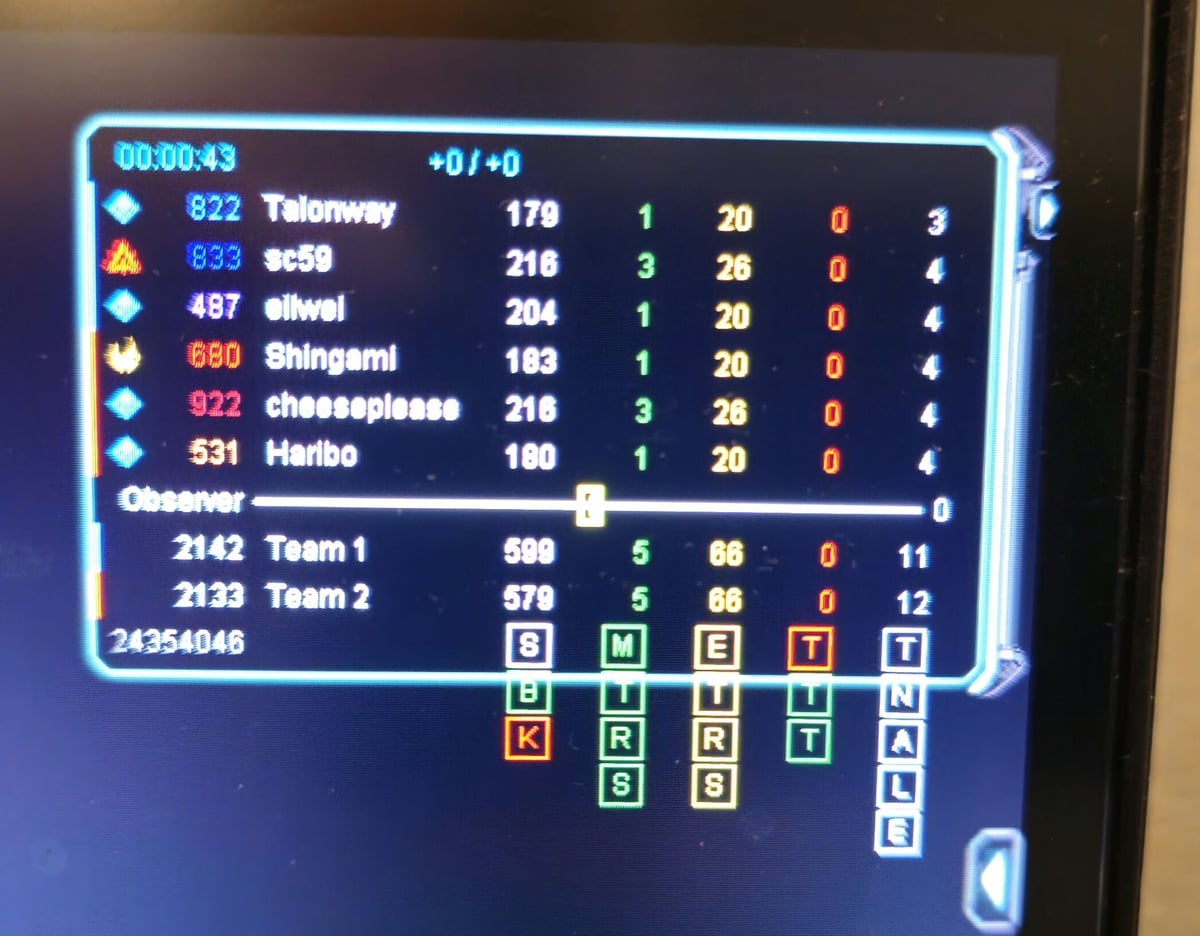
        Here's some feature I'd like to request. I'm basing these on the supreme scoreboard mod.
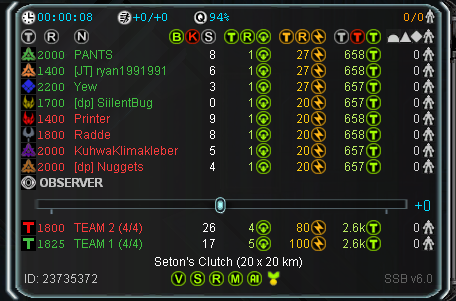
        image.png

        So here is supreme scoreboard.
        Would be great if yours has:

        • Name and Rating in the same Color. I like the color scheme like this but you could also make Name and rating in the player's color and have the background green or something for allies

        • Average rating and "Team 1/" with the amount of players total and alive -> this is such a quality of life thing i cant really play without, even though its kind of redundant

        • What your scoreboard has, which SSB doesnt, is that you can see income and storage at the same time. The only problem with it is that you see their amount in storage and total storage, which totally clutters the scoreboard. If you could only see the amount in storage and no total, that would be way better. Maybe Have a symbol in front of income and storage so a player knows which is which.

        1 Reply Last reply Reply Quote 0
        • LLIALLIJIbIKL LLIALLIJIbIK referenced this topic on
        • LLIALLIJIbIKL LLIALLIJIbIK referenced this topic on
        • H Offline
          Haribo
          last edited by

          How do you actually get into the options menu? Stupid, I know, but it doesn't actually say anywhere and theres no button or anything???

          1000029469.jpg

          H 1 Reply Last reply Reply Quote 0
          • H Offline
            Haribo @Haribo
            last edited by

            @Haribo for anybody here looking for the anwser you have to open the game menu (f10) and click "ui mod options"

            If it's not there you probably haven't got the dependable ui mod installed and active

            1 Reply Last reply Reply Quote 1
            • D Offline
              Deiv
              last edited by

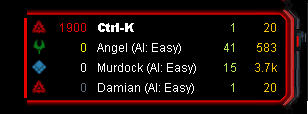
              Привет, подскажи пожалуйста как панель экономики сделать меньше?
              За мод спасибо!

              Hi, please tell me how to make the economy panel smaller?
              Thanks for the mod!

              image.png

              1 Reply Last reply Reply Quote 0
              • LLIALLIJIbIKL Offline
                LLIALLIJIbIK
                last edited by

                The mod does not effect economy panel. It must be some other UI mod.

                “Be a yardstick of quality. Some people aren’t used to an environment where excellence is expected.”
                — Steve Jobs.
                My UI Mods
                Support me

                1 Reply Last reply Reply Quote 0
                • LLIALLIJIbIKL LLIALLIJIbIK referenced this topic on
                • C Offline
                  c0rtex
                  last edited by

                  Are there instructions for install? I put this in my mods directory, selected it before creating the lobby and in-game it does not materialize. I still see the default score board.

                  maudlin27M 1 Reply Last reply Reply Quote 0
                  • maudlin27M Offline
                    maudlin27 @c0rtex
                    last edited by

                    @c0rtex Make sure you have "UI mod tools" enabled as well as "4z0t's ScoreBoard"

                    M27AI and M28AI developer:
                    https://forum.faforever.com/topic/2373/ai-development-guide-and-m27ai-v81-devlog
                    https://forum.faforever.com/topic/5331/m28ai-devlog-v294
                    M28 trophy holders: Radde, Yew (Radde trophy, v309) and Zwaffel (Sladow trophy, v284)

                    C 1 Reply Last reply Reply Quote 0
                    • C Offline
                      c0rtex @maudlin27
                      last edited by

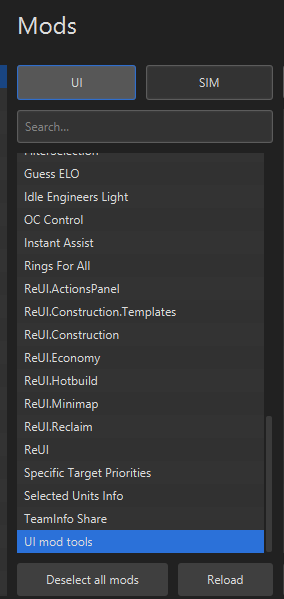
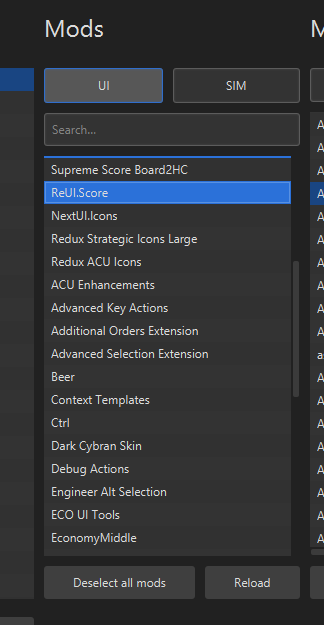
                      @maudlin27 I don't see a "4z0t's ScoreBoard" in the Mods tab. He calls it ReUI.Score (on the github page and here). This is what I've selected before creating a game:
                      36ab798b-dcc7-4743-9124-e35c897f65ba-image.png 0c56732b-30db-489b-9705-ed4184eed7c7-image.png

                      1 Reply Last reply Reply Quote 0
                      • NuggetsN Offline
                        Nuggets FAF Association Board
                        last edited by

                        "4z0t's ScoreBoard" is old and was replaced by ReUI.Score. But for ReUI.Score to work you also need ReUI as a ui mod (required as dependency)


                        1 Reply Last reply Reply Quote 1

                        Hello! It looks like you're interested in this conversation, but you don't have an account yet.

                        Getting fed up of having to scroll through the same posts each visit? When you register for an account, you'll always come back to exactly where you were before, and choose to be notified of new replies (either via email, or push notification). You'll also be able to save bookmarks and upvote posts to show your appreciation to other community members.

                        With your input, this post could be even better 💗

                        Register Login
                        • First post
                          Last post