Now sure if im allowed to bump this thread to acdd a solution but here goes nothing
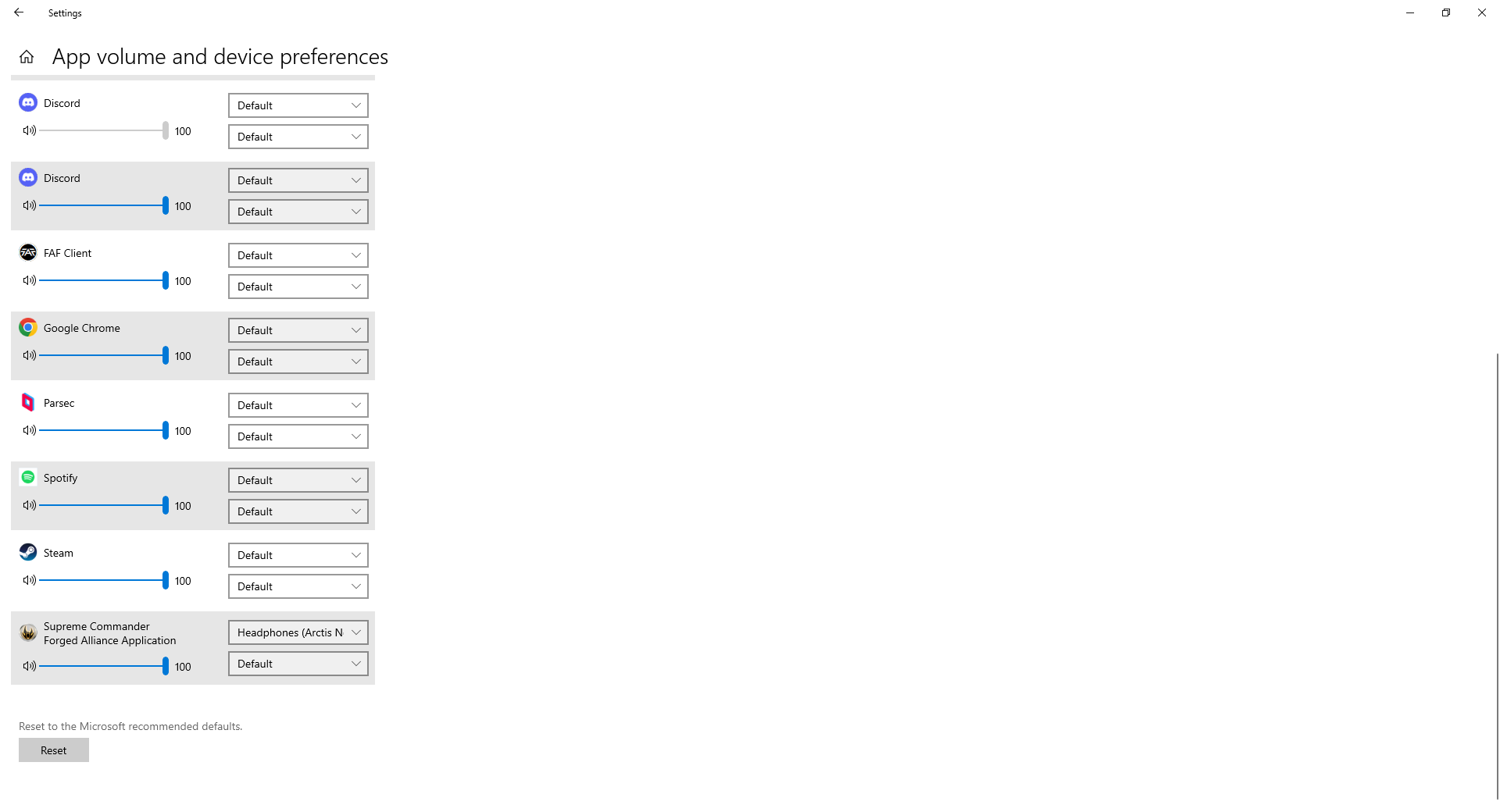
Type "App Volume" in the Windows Search or go into Windows Sound Control Panel and find the option App Volume and Device Prefrences
Set Supreme Commander Forged Alliance to your headset, DO NOT SET IT TO STEELSERIES/SONAR.
Now Windows will remember to always use your headset output instead of the Steelseries Virtual Output.